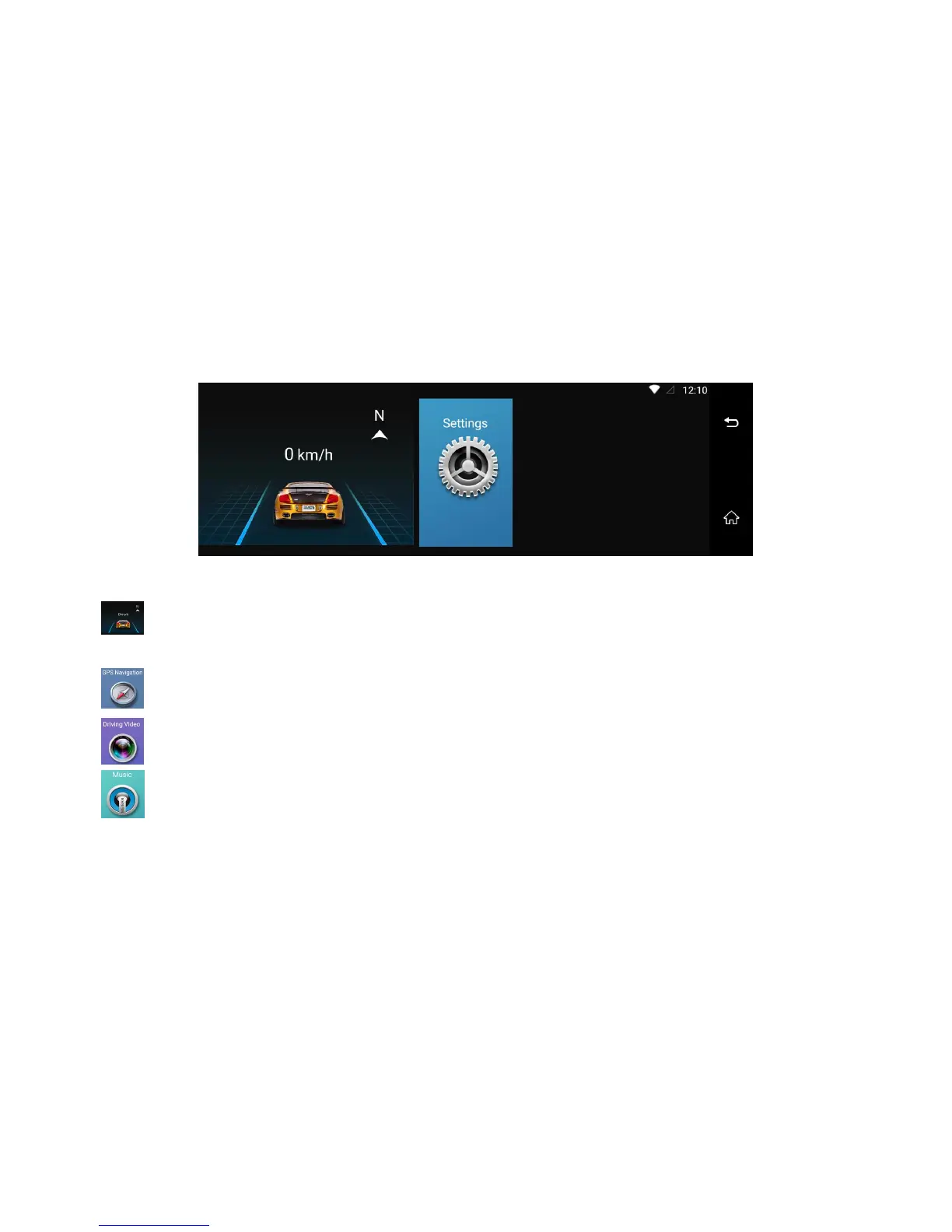
Image 6: Main Menu Interface
1. it will display the driving speed and direction.
Remarks: If GPS signal is weak, it will influence the speed accuracy)
2. GPS Navigation: click it will enter the default GPS navigation
3. Driving Video: click it will enter car video recording menu and settings
4. Music: click it will play the local music files from device or memory card.



 To Next Page