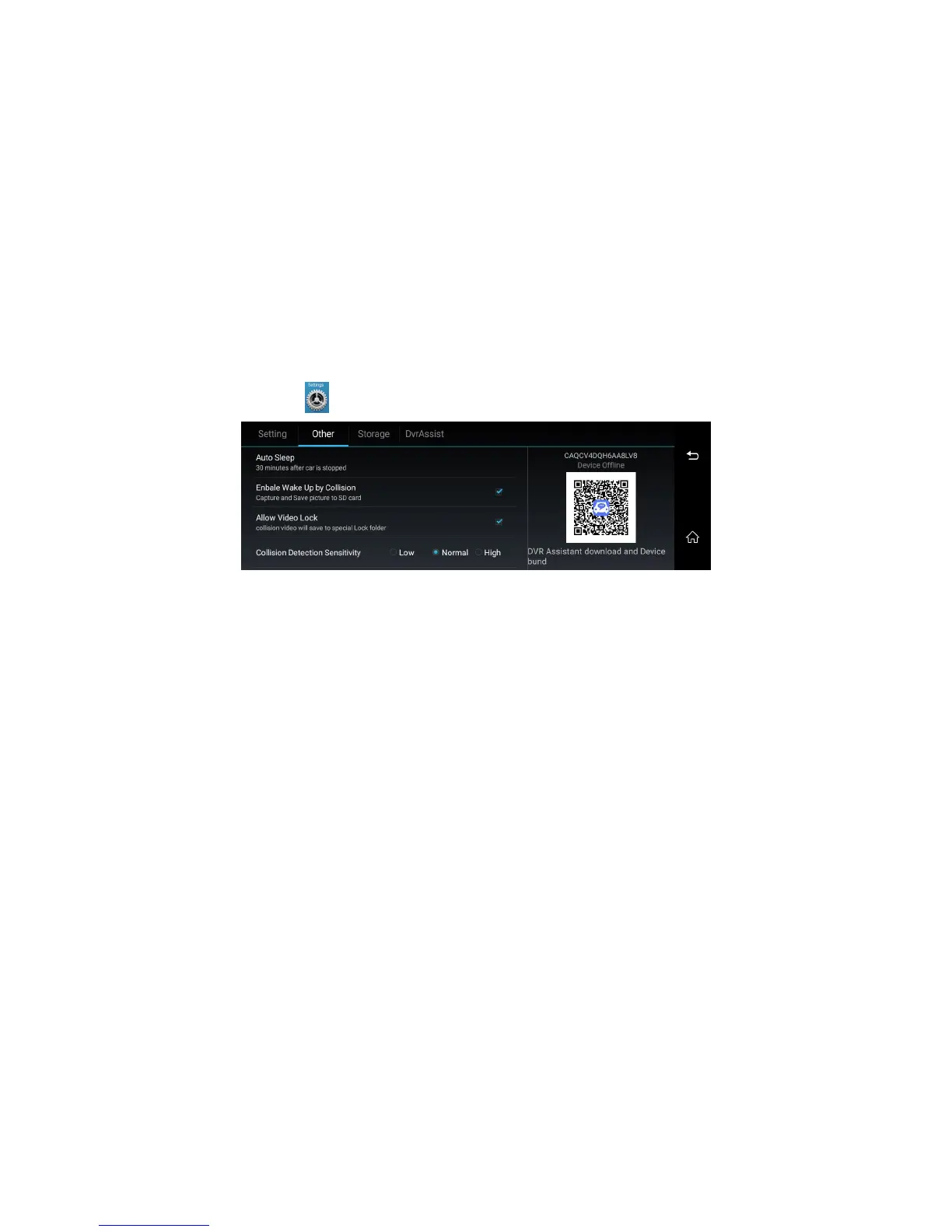
7. Other dvr settings, please click and find “Other”, you will check more dvr settings as below (image 16):
Image 18: car dvr other settings
➢ Auto Sleep: set up the dvr automatically sleep time after the car engineer is off
Enable Wake UP by Collision: if enable this function, the camera will automatically wake up and send the alarm photo to your smart phone “CarAssist” app if
car collision occurred.
Remarks: This function need to work with the car assist app.
➢ Allow Video Lock: if enable this function, it will automatically lock the video file when car collision occurred.
➢ Collision Detection Sensitivity: set up the G-Sensor sensitivity to low/normal/high. It will automatically lock the 10 seconds video files before and after the car
collision happened during video recording. These locked video files will not be automatically overwritten by Loop recording function in certain time. But if the
memory card is almost full, the systems will also start to overwrite the first locked video files and then keep video record. (If no TF card inside, this function
don’t work)
Remarks: Please backup the important video/image files in time to prevent it from files accidental damage or to be automatically overwritten by systems.



 To Next Page