➢ Display GPS Water Mark : ON/OFF of gps speed water mark
➢ Current Version : check the dvr software version
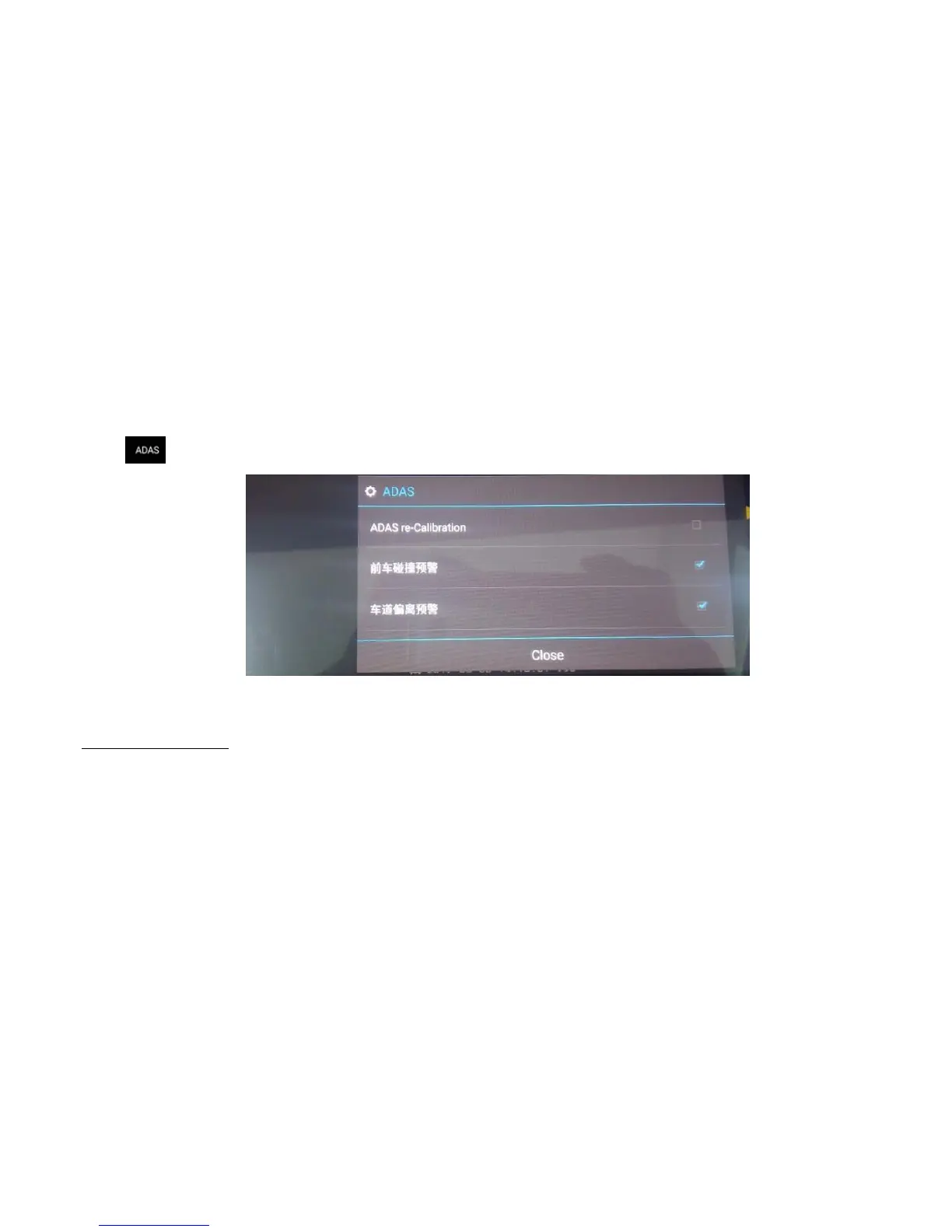
6. Click it will enter ADAS settings (Image12):
Image 14: ADAS settings
➢ How to use the ADAS function?
A-Installation and Adjustment
A.1. Installation
Finish the installation, we need to adjust the camera location according the image taken by the camera. We suggest the right ahead is in the area 1/4 of the image,
ground level is in the middle of 1/5 area of the image.



 To Next Page