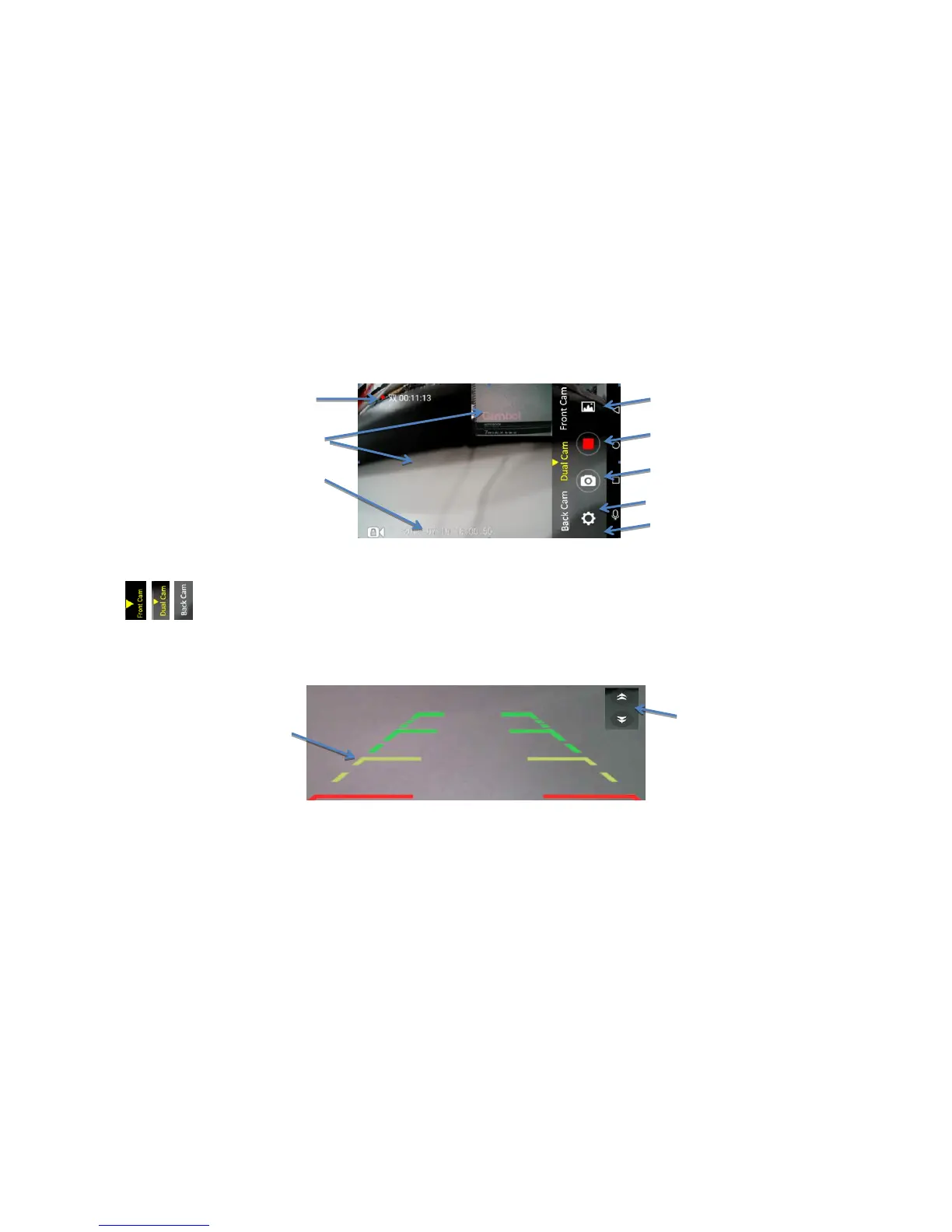
Image 9: Driving video recording menu
Function keys for video recording:
1. Switchover of front/PIP/ rear camera display
This car dvr support Auto Reverse Parking:
when get the car in reverse gear, the car dvr will automatically switch to the rear camera image with parking line preview (Image 8). After parking signal
disappear, the rear camera preview will automatically exit and back to previous preview mode.
Image 10: Auto Reverse Parking



 To Next Page