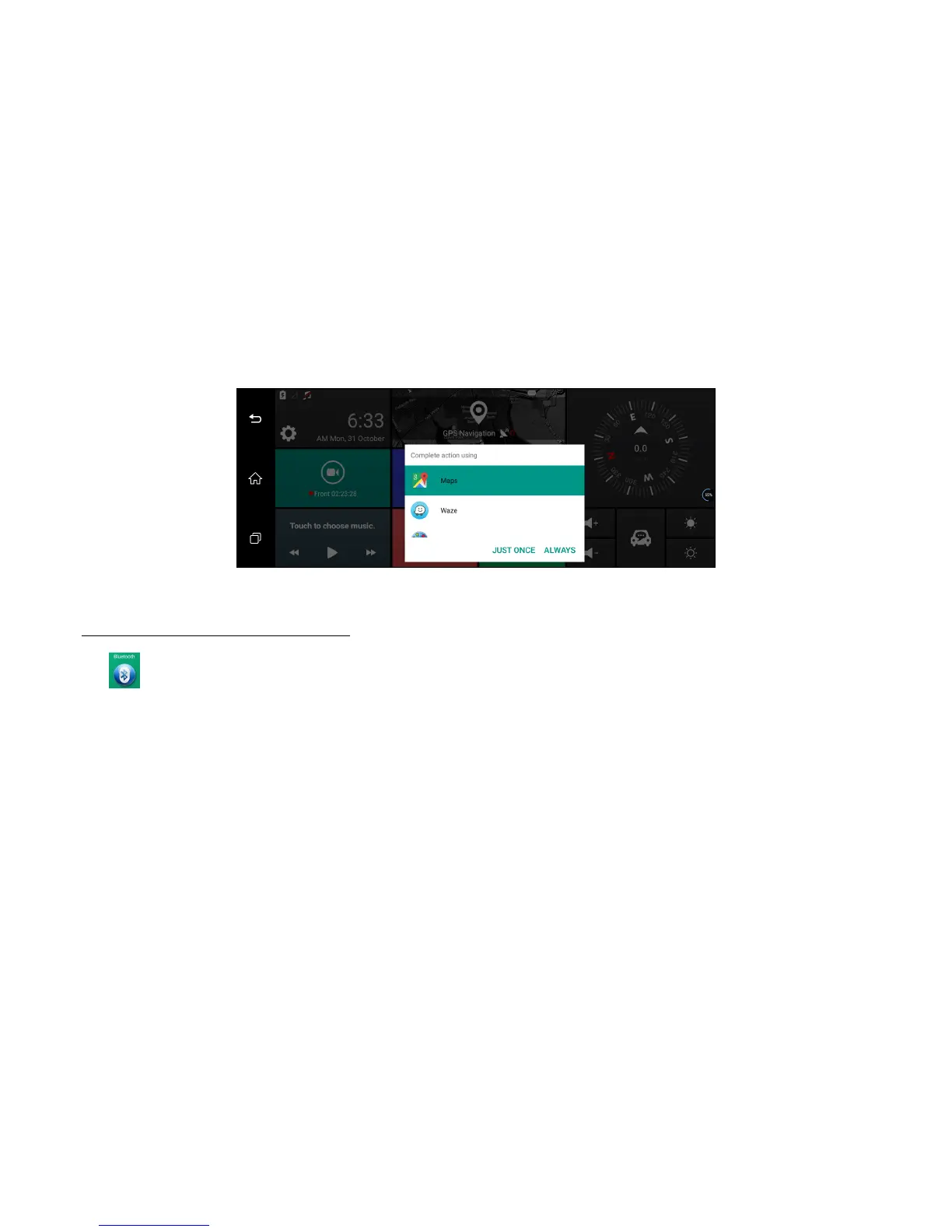
Image 20: GPS navigation list for choice
Part three: Bluetooth Handsfree function
Click Bluetooth to enter the following interface: (Image: 21 )
Click Start Bluetooth: Start the bluetooth function of mobile phone and bind the function after finding “PiBT”, and the pair them. Also you could customize the
dvr’s Bluetooth name.
Then your phone contact list will be synchronized into this dvr automatically.
You could receive the phone call or make the phone call on the car dvr after bluetooth binding



 To Next Page