Part two: GPS Navigation
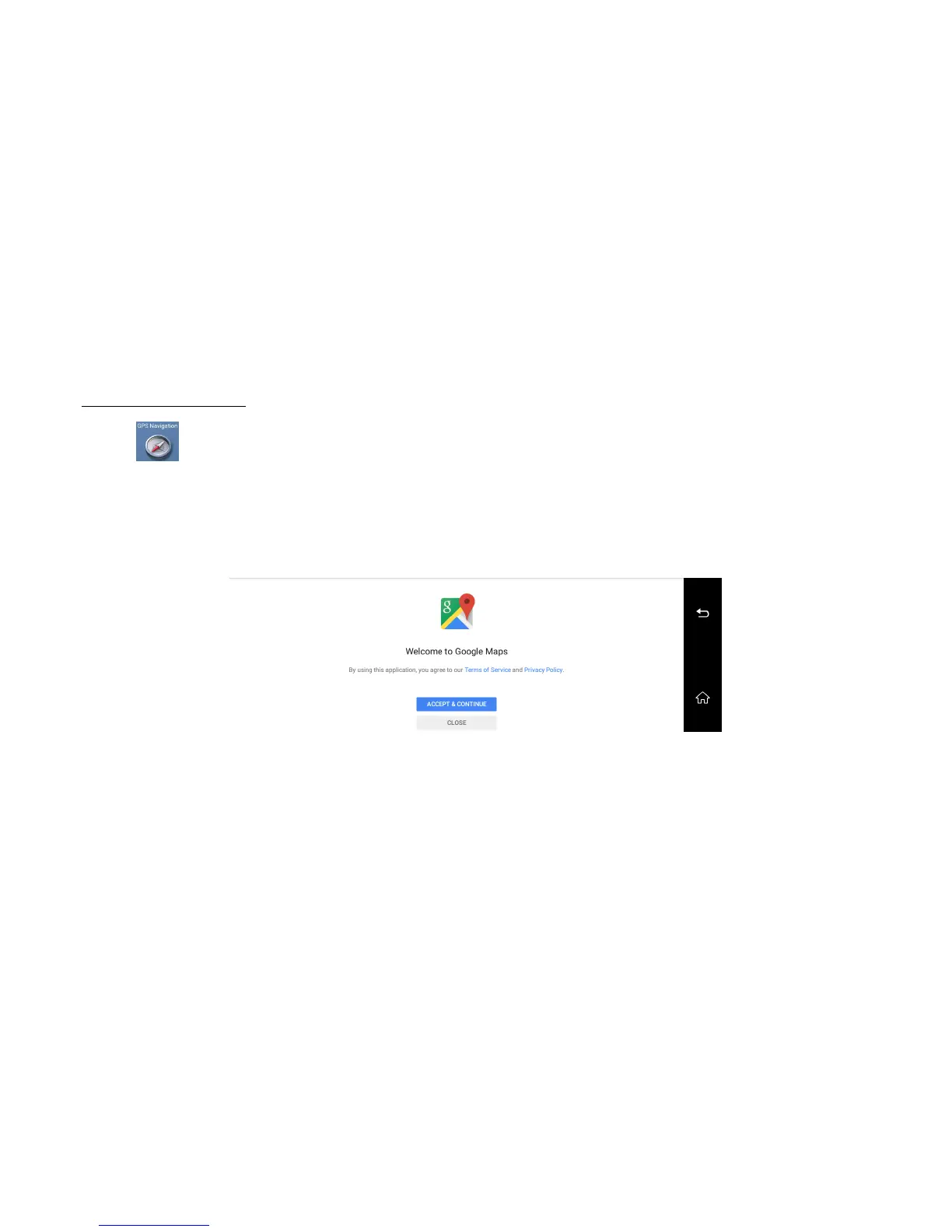
Click the gps navigation button will enter the default GPS Navigation Map (current default Navigation is Google Maps as like below image 8):
Of course, you could set up other GPS Map as the default navigation from the list. For example “Navitel”, “Waze” and so on.
How to set-up the other default GPS Map as you like? (image 9)
Firstly, press the “GPS” button for 2-3 seconds, dvr will popup the choice option for GPS default settings.
And then click the Map option you want, it will set up the default GPS Navigation Map for this dvr. When you enter again the GPS menu, it will be GPS Map you
required.
Image 19: Google Maps



 To Next Page