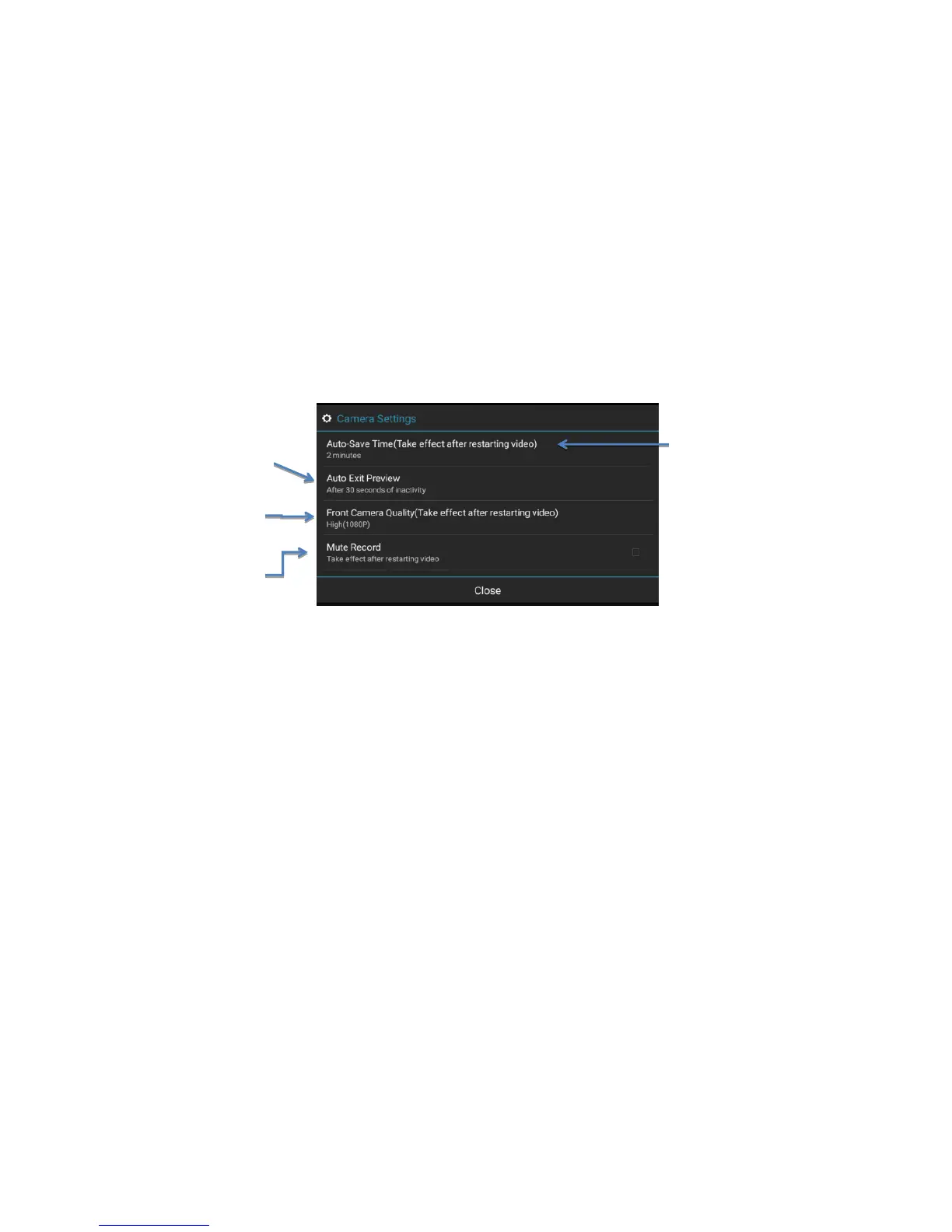
➢ Camera Settings(Image 25):
Image 25: camera settings
2, Other settings include (Image 26) :
➢ Auto Sleep: you could set up the dvr automatically enter standby status time after the car stop: 15 mins/ 30 mins/ 60 mins/Never auto sleep
Suggest to choose 15 mins as the auto sleep time after car engineer off, to ensure the car battery will not run out of electricity if when the dvr does not enter
sleep mode.
➢ Enable Wake Up by Collision: when the car collision happened, the car dvr will automatically wake up and start to record 30 seconds video files.
➢ Allow Video Lock: this is based on dvr G-Sensor function. If choose turn on this function, the collision video will save to special Lock folder.
➢ Collision Detection Sensitivity: Low/Normal/High. Usually normal is good choice.
➢ Factory data reset: it will erase all the data you set up and download, will recover to the factory default settings.



 To Next Page