Part five: Multimedia Entertainment function
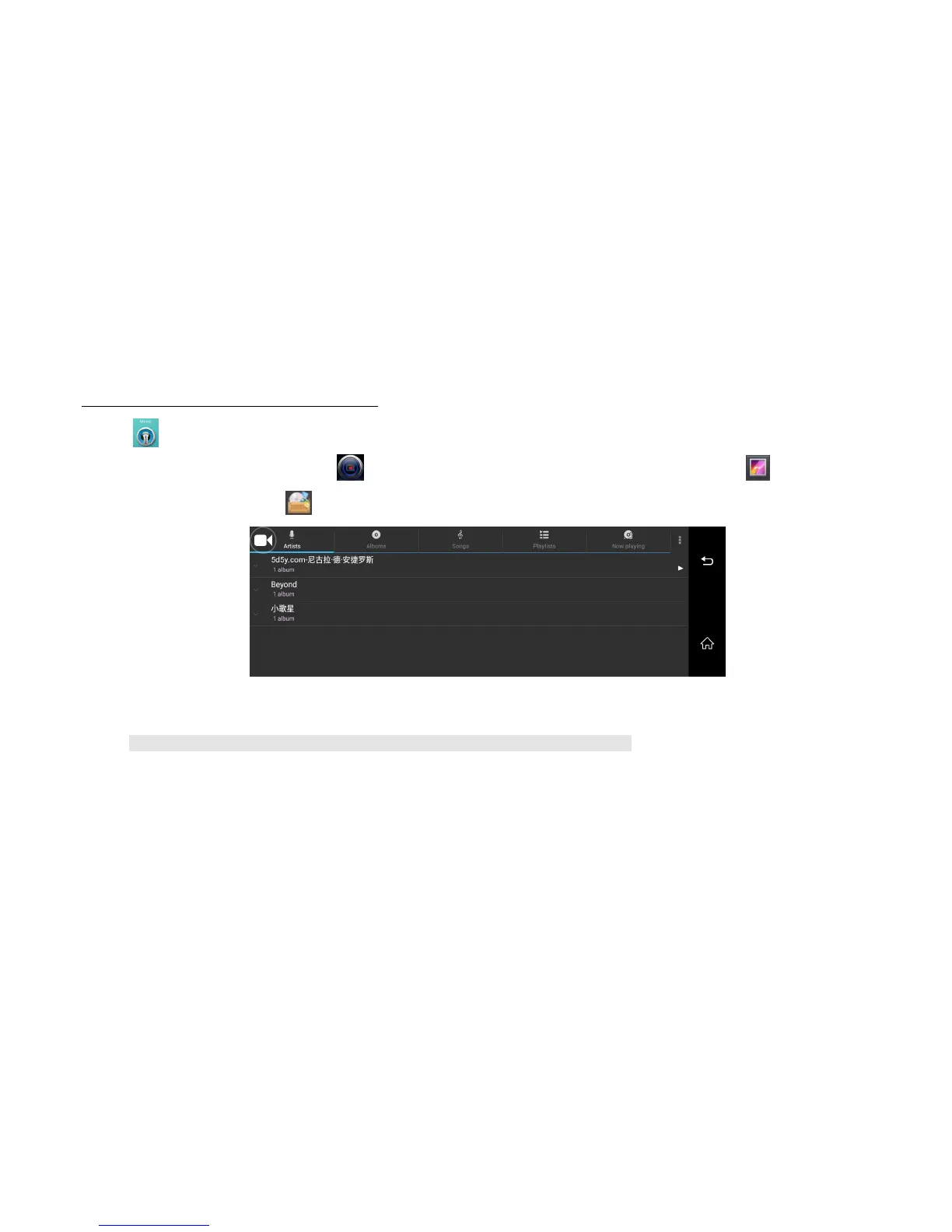
Click music player button will enter Music player interface, you will play your favorite songs.
If you want to play the video ,please click car player to play the video files; if you want to check the photo, please enter gallery button.
Or, you could check all the files from “File manager” , include internal storage and external micro sd card files.
Image 23: Music play menu
➢ For safe driving, please don’t check the video or photo when you are driving. Thank you.



 To Next Page