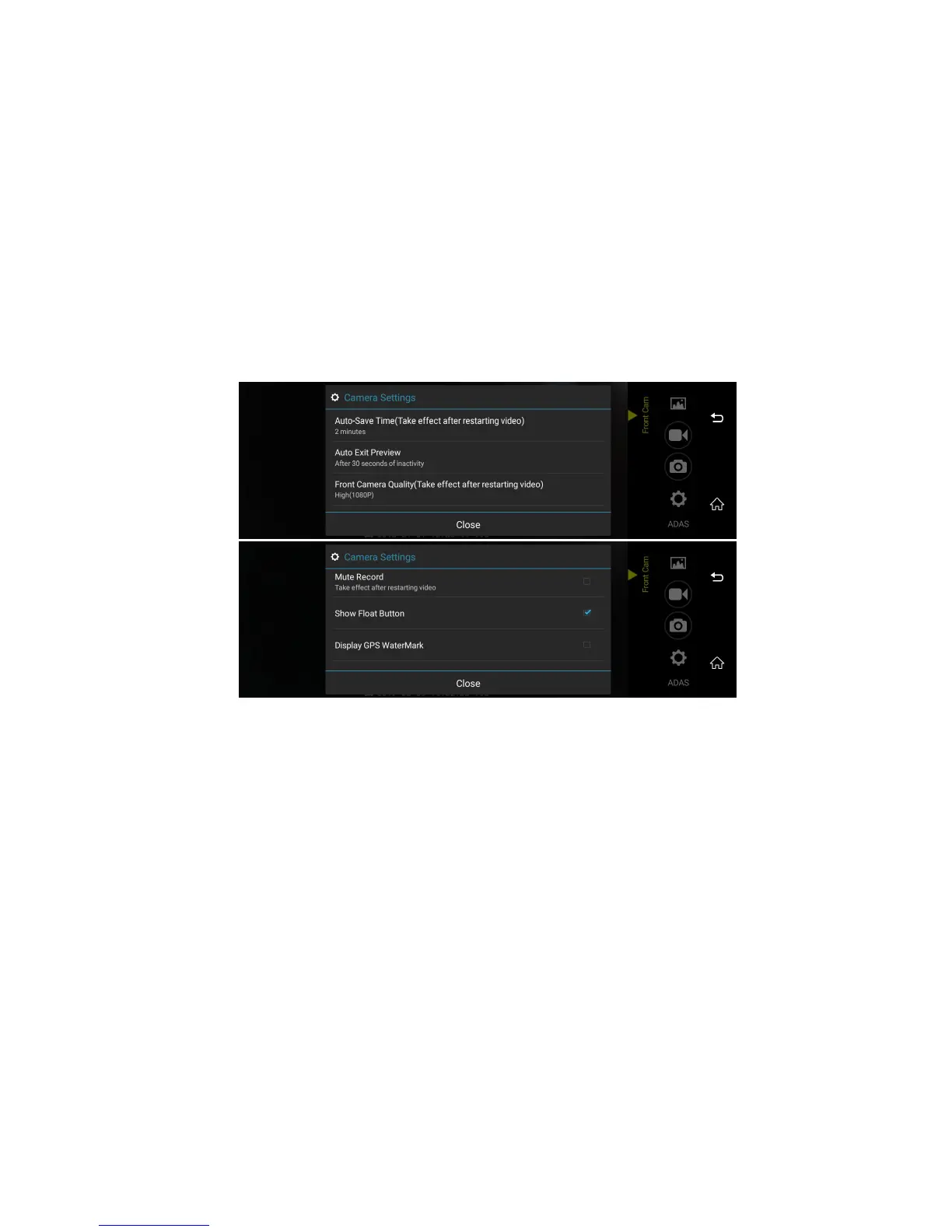
Image 13: car dvr settings
➢ Auto-Save Time (Take effect after restarting video): set up the video loop recording time to 1min/2mins/3mins
➢ Auto Exit Preview: set up the time of automatically exit from video recording preview to the main menu when dvr no any operation to save the power
➢ Front Camera Quality (Take effect after restarting video): High (1080p) / Normal (720p)
➢ Mute Record :ON/OFF of mute function for video recording
➢ Show Float Button: ON/OFF of dvr mini float window to exit the video recording .If choose turn on Float window , you could see the dvr video recording
preview and other application (eg, GPS navigation ) at the same time.



 To Next Page