2. Video and photo files playback:
there are 2 ways to check and playback the current video files:
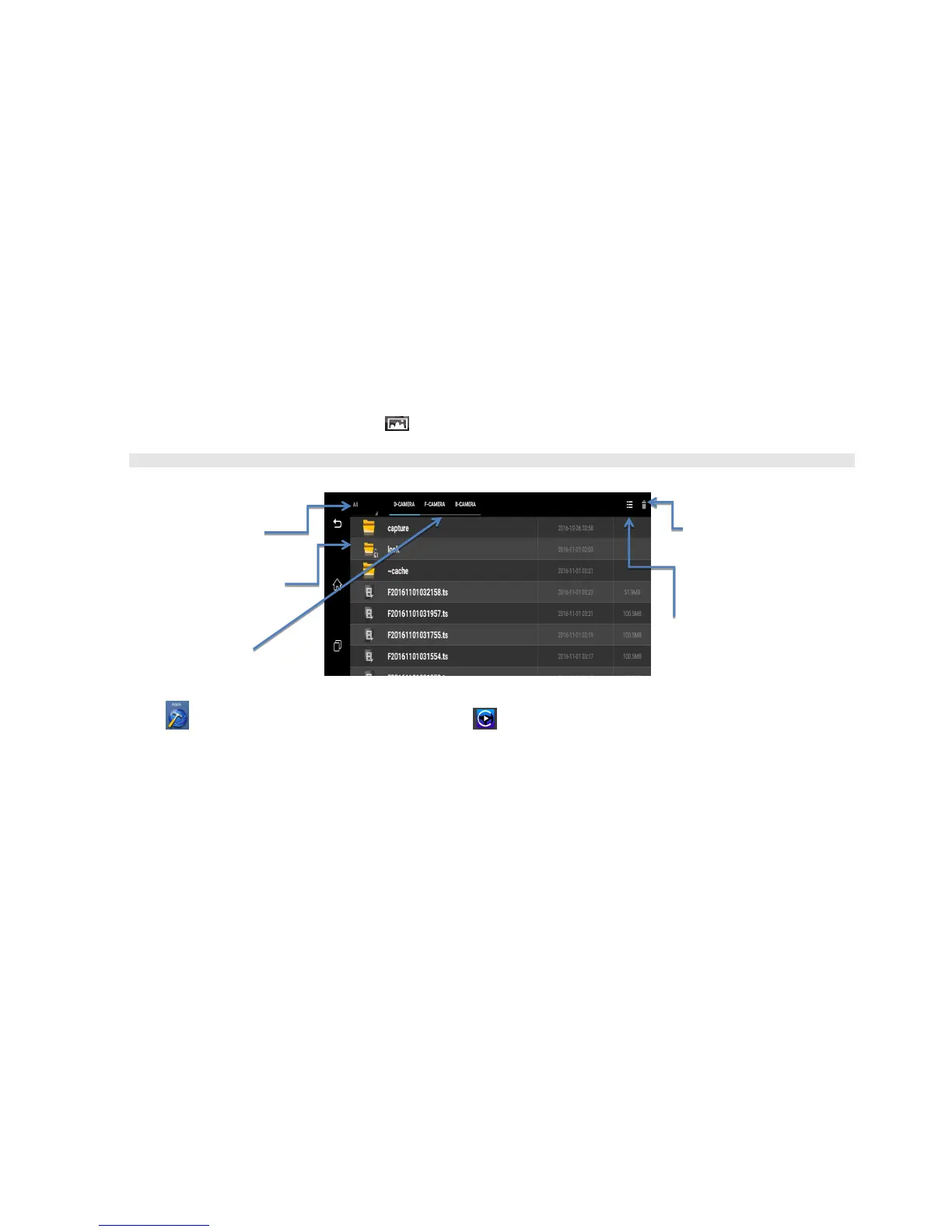
a) Enter “Driving Video” menu, and then click this button will enter the video files list as below (Image 8):
you could select the video files by time or by camera to playback it, also you could delete the video files you want.
➢ Click one video file to playback, even if it will show dvr whole record duration, but it just will start the video to play by specified time you selected.
Image 11: Playback View List
b) Click the apps button to enter the Apps list menu, and then click car player button to play the video you want. Here you could choose Front
camera or Back Camera video to playback as below (Image 7):
Plus, you could slide touch the specific area to adjust the brightness/volume, or fast-forward/rewound the video files (as orange color arrow):



 To Next Page