Part four: FM Transmitter function
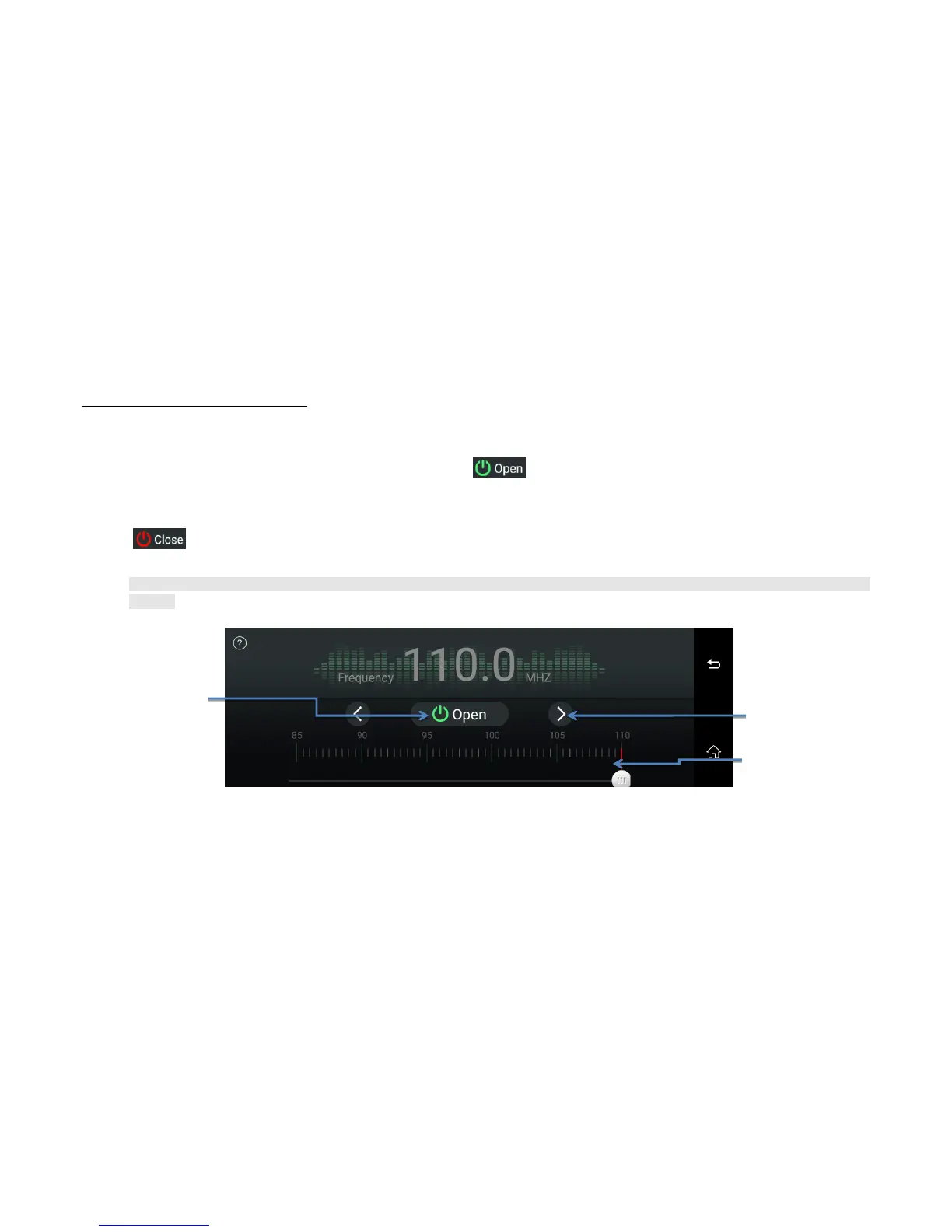
Click “FM station” button will enter FM transmitter menu (Image 22):
Firstly select transmitting frequency of FM (eg. FM 100MHZ ) and then click the FM transmitting has been started.
Open a video or play a piece of music and set the radio to corresponding frequency (eg. FM 100MHZ ) for receiving the test.
You could adjust the FM frequency only after you turn on the DVR ‘s FM
Click to close the FM transmitter function , and the DVR speaker will be turn on, you will hear the voice again from the dvr.
➢ As the FM transmitter power is limited, and the car radio antenna installation method are different, so that the car original radio sound effect will be
different.
Image 22: FM transmitter menu



 To Next Page