17
Calling ‘hold all red’ from the master controller
To call ‘hold all red from the master
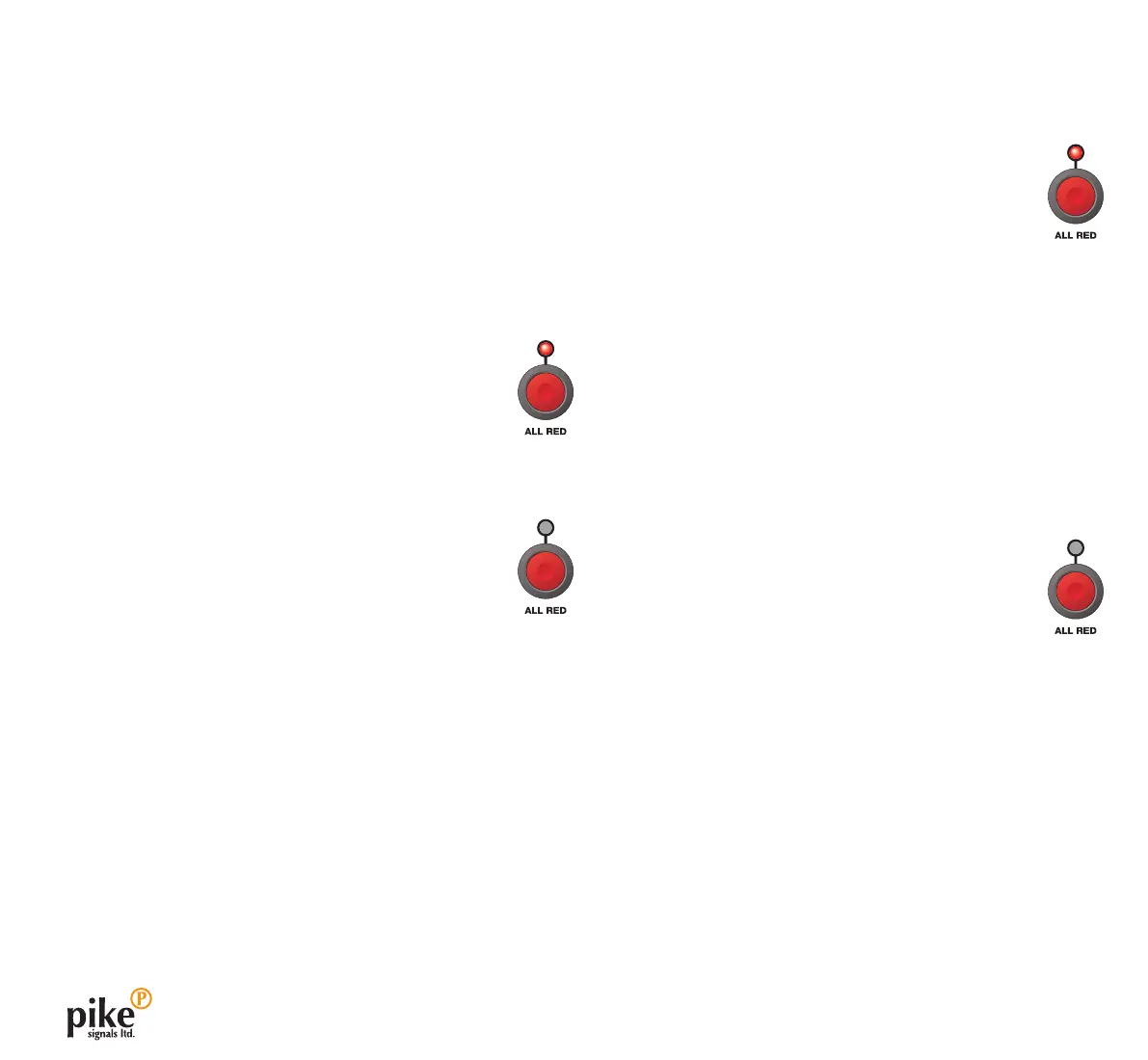
1 On the master controller, press ALL RED.
The adjacent red indicator will illuminate and
operation will be affected according to the current
mode:
• WhenrunningMANUAL:
• Anysignalscurrentlyatgreenwillwaitforaminimumof
12 seconds and then return to red.
• TheALL RED indicator will extinguish and the controller
will continue running in Manual mode with all signals at
red until a DEMAND button is pressed.
• WhenrunningVEHICLE, FIXED TIME or HOLD ALL RED:
• Anysignalscurrentlyatgreenwillwaitforaminimumof
12 seconds and then return to red.
• TheALL RED indicator will then extinguish and the time
display will show Local Red Call. Operation will remain
halted with all signals at red until you restart it:
• To resume operation: press ALL RED.
Calling ‘hold all red’
Thesystemallowsthe‘holdallred’modetobeinvokedeither
from the Evo master controller or from any of the remote slave
controllers. This is a useful feature for:
• Occasionalheavyplantcrossings,
• Whentheworksinvolvetemporarilyblockingtheshuttle
lane(s), or
• Whentrafcneedstobestoppedduetoanaccidentor
incident within the works area.
Calling ‘manual hold all red’ from a slave Evo controller
To call ‘manual hold all red’ from a slave
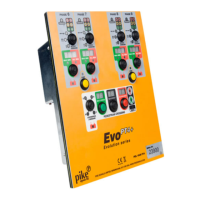
1 On a remote slave controller, press ALL RED.
The adjacent red indicator will illuminate.
• Allsignalheadswillbereturnedtoredandwill
stay at red until the state is overridden.
• Thetextdisplayonthemastercontrollerwill
show Remote Red Call.
To resume operation
1 On the master controller, press ALL RED.
The adjacent red indicator will extinguish.



 To Next Page