Project configuration
Operating Manual PSEN sc B 5 Series
1004508-EN-02
23
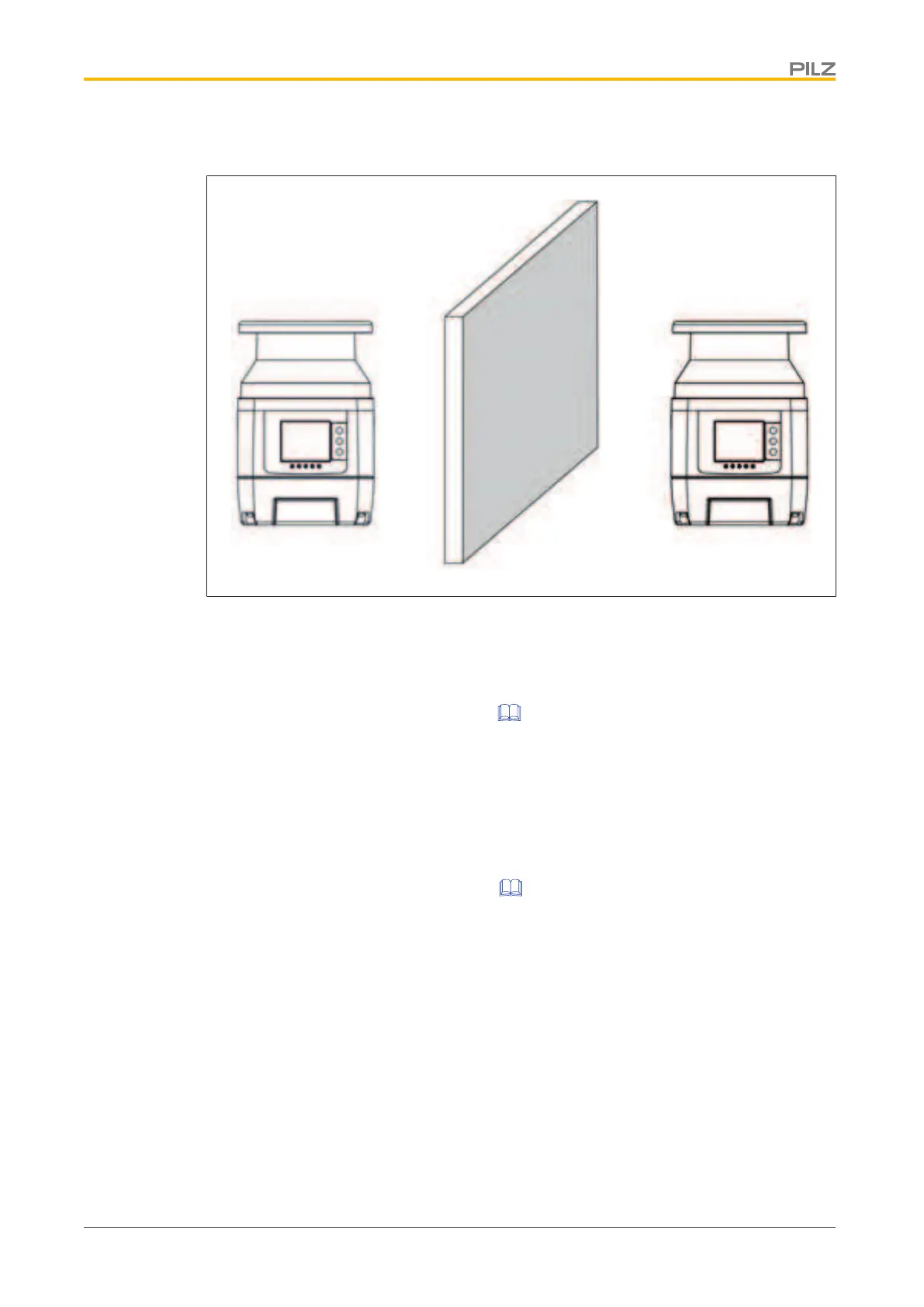
} Place an opaque object between the safety laser scanners
5.5 Ambient conditions
} Install the safety laser scanner in an environment that corresponds to the environmental
data provided in the Technical details [ 66].
} If there is a highly reflective background within a distance of 2.5 m from the protection
field perimeter (e.g. a shiny metallic surface), errors in the calculation of the exact dis-
tance to the detected object will occur.
– Reduce the reflection of the background or remove the background or
– add the allowance Z
R
to the minimum safety distance (see
Distance to intense light
sources and to reflective surfaces [ 24]).
} The transmitter of a safety laser scanner must not interfere with another safety laser
scanner .
} Avoid strong electromagnetic interference when operating the safety laser scanner.
} When operating the safety light grid, avoid the development of smoke, mist, or dust that
would reduce the safety laser scanner's range.


 To Next Page
 Loading...