EasyManua.ls Logo

Pitney Bowes J693 - Page 62

Pitney Bowes J693
109 pages
Print Icon
To Next Page IconTo Next Page
To Previous Page IconTo Previous Page
Loading...
52 J693
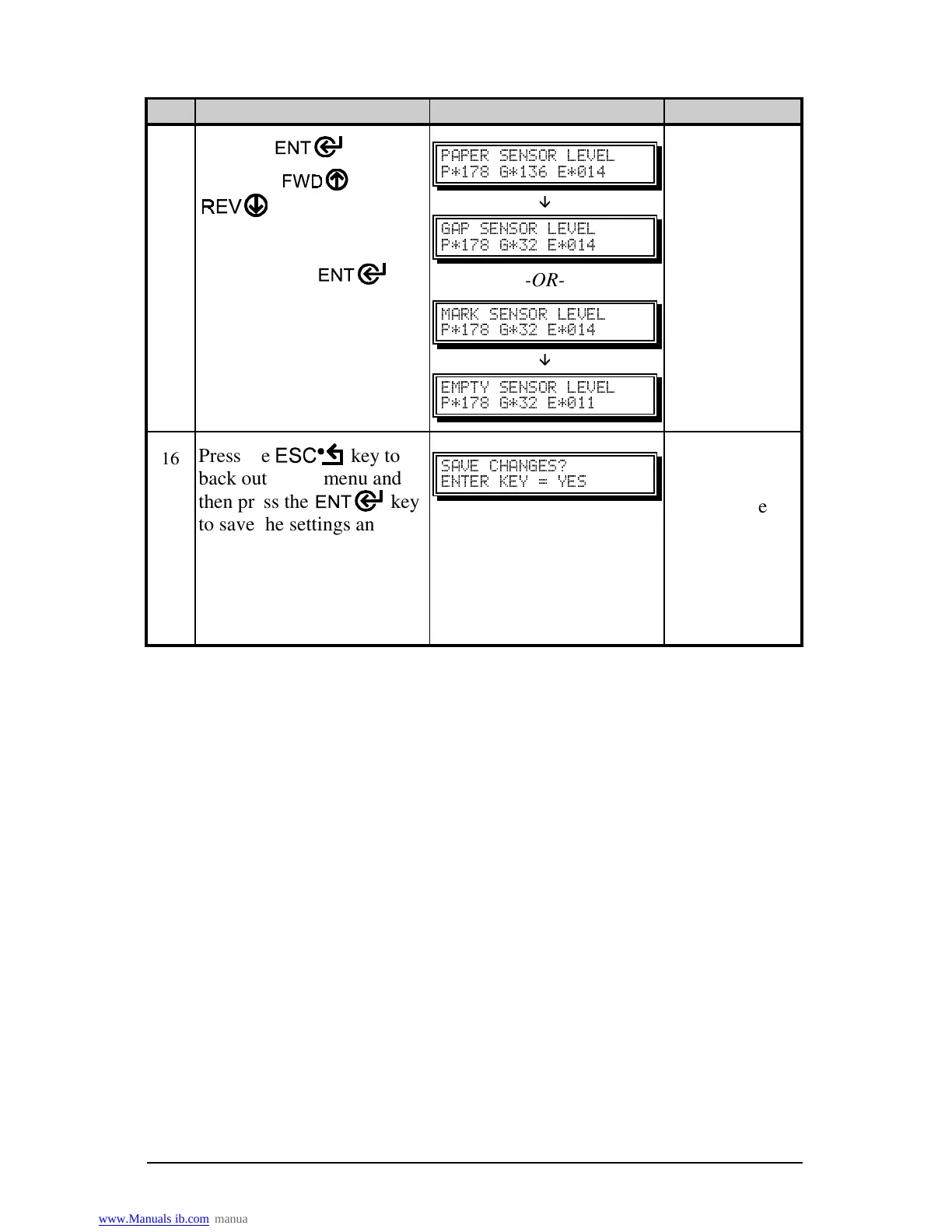
Step Operator Action Displayed Message Comment
15
Press the
key.
Using the
or the
key set the ‘Paper’
level to the value
determined in the previous
step. Press the
key
to set the entry and advance
the menu.
Repeat for the ‘Mark’ or
‘Gap’ and ‘Empty’ levels.
"  
JRXY JRTW JQRU
È
"  
JRXY JTS JQRU
-OR-
"  
JRXY JTS JQRU
È
  
JRXY JTS JQRR
16
Press the key to
back out of the menu and
then press the
key
to save the settings and
return to the Main Menu
and Ready Mode.
" "`
 ^
From Ready
Mode, press
and hold the
FEED key,
approximately
4 seconds, to
calibrate the
label position.

Table of Contents