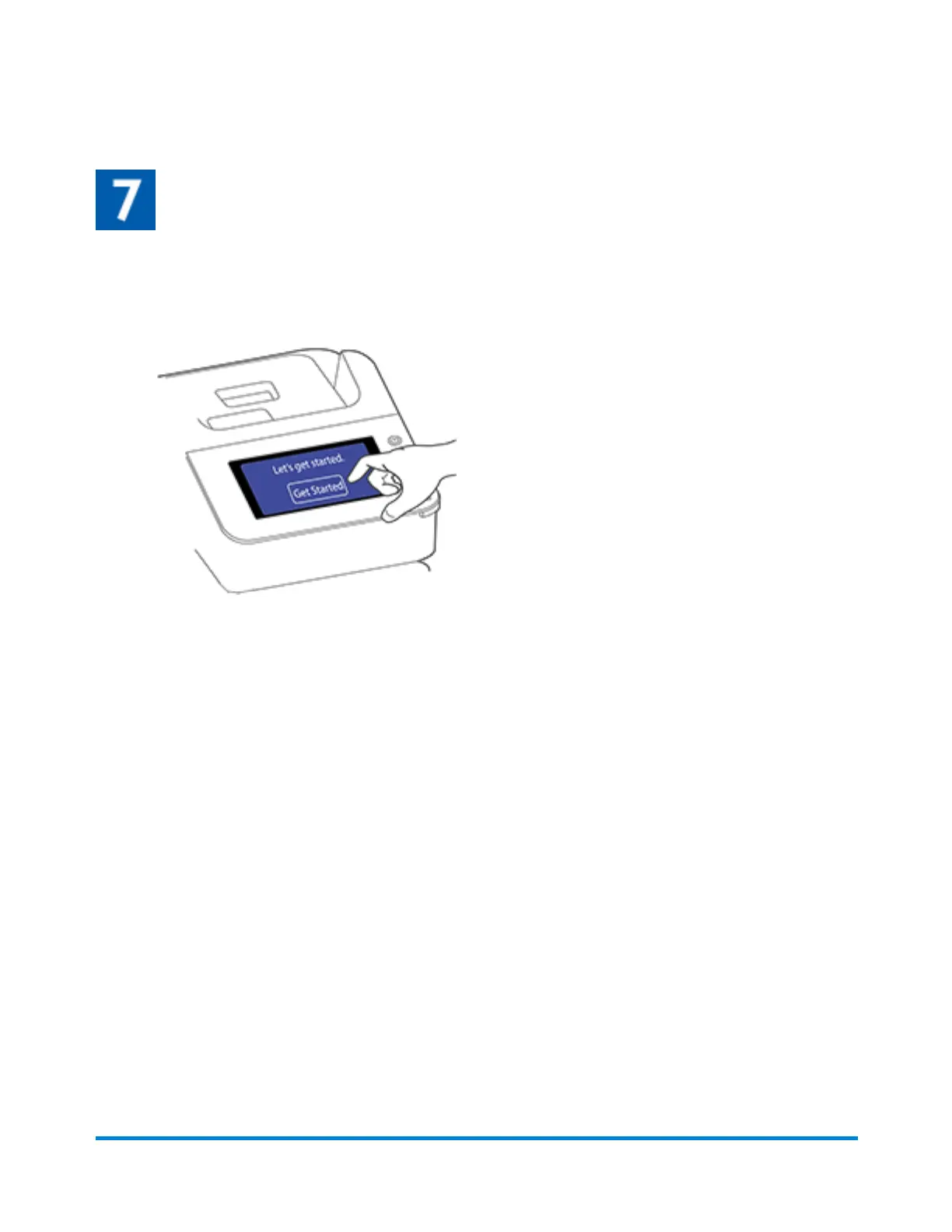
Follow the installation instructions on the device
1. Wait for the device to start up.
2. Tap Get Started on the touchscreen and continue the installation steps on the screen.
3. Tap Got it when you see the message "You're ready to start sending."
Finding the Product Code Number (PCN) and serial
number
In order to find the correct information for your device, you need to know the model number.
Quick start guide
Pitney Bowes Operator Guide April 2022 19










 To Next Page