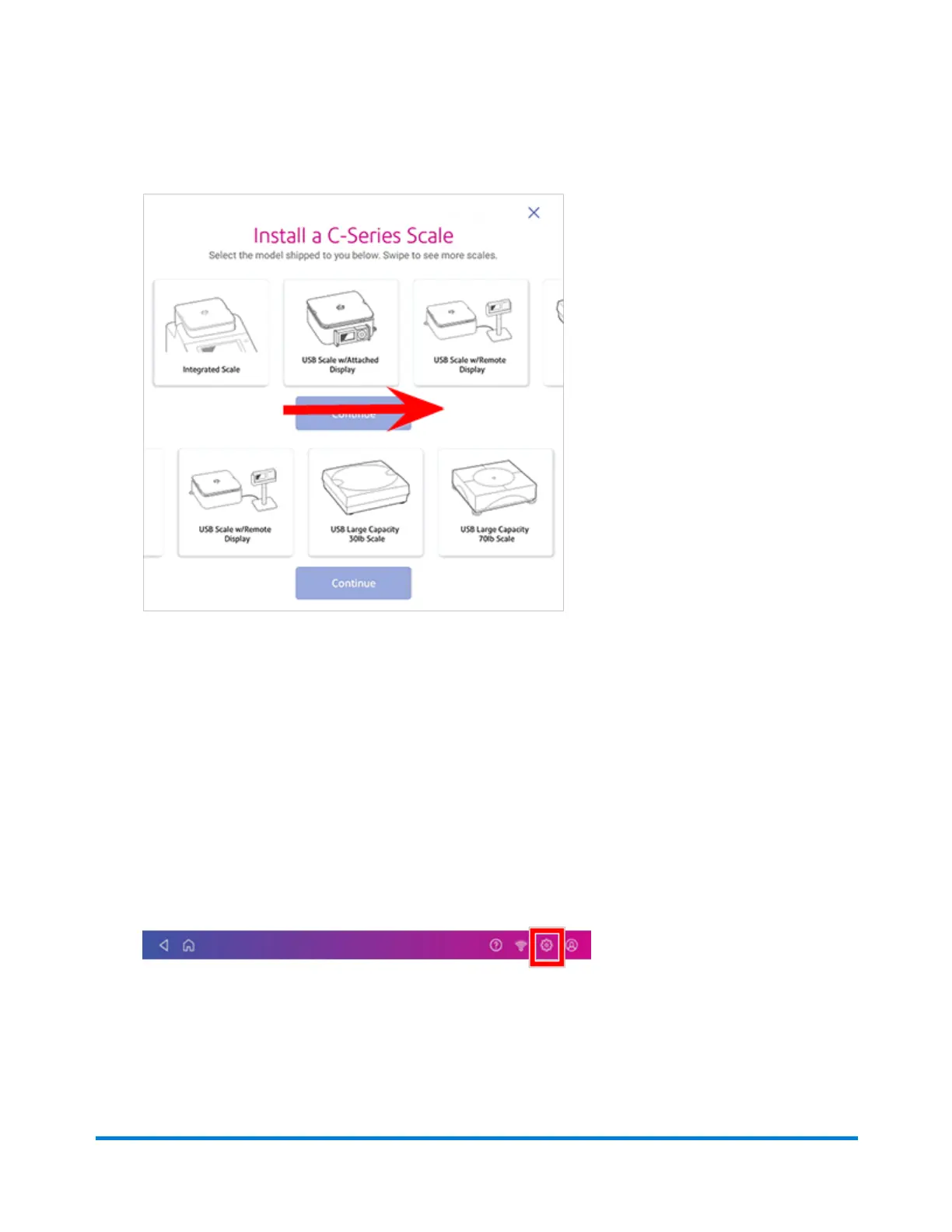
3. To view all the available scales, swipe to the left on the screen.
4. Tap to select the appropriate scale, then tap Continue.
5. Follow the instructions on the screen. To advance to the next step, swipe the screen to the left.
Uploading system logs
Your device creates system logs that monitor operations on your device. If you need to upload system
logs to a Pitney Bowes support representative, you can find them in the Advanced Device Options
section under Settings.
1. Tap Settings.
2. Scroll down to the Advanced device Options section.
3. Tap System Log Upload.
4. Select the logs you want to upload.
Managing your Device
Pitney Bowes Operator Guide April 2022 91










 To Next Page