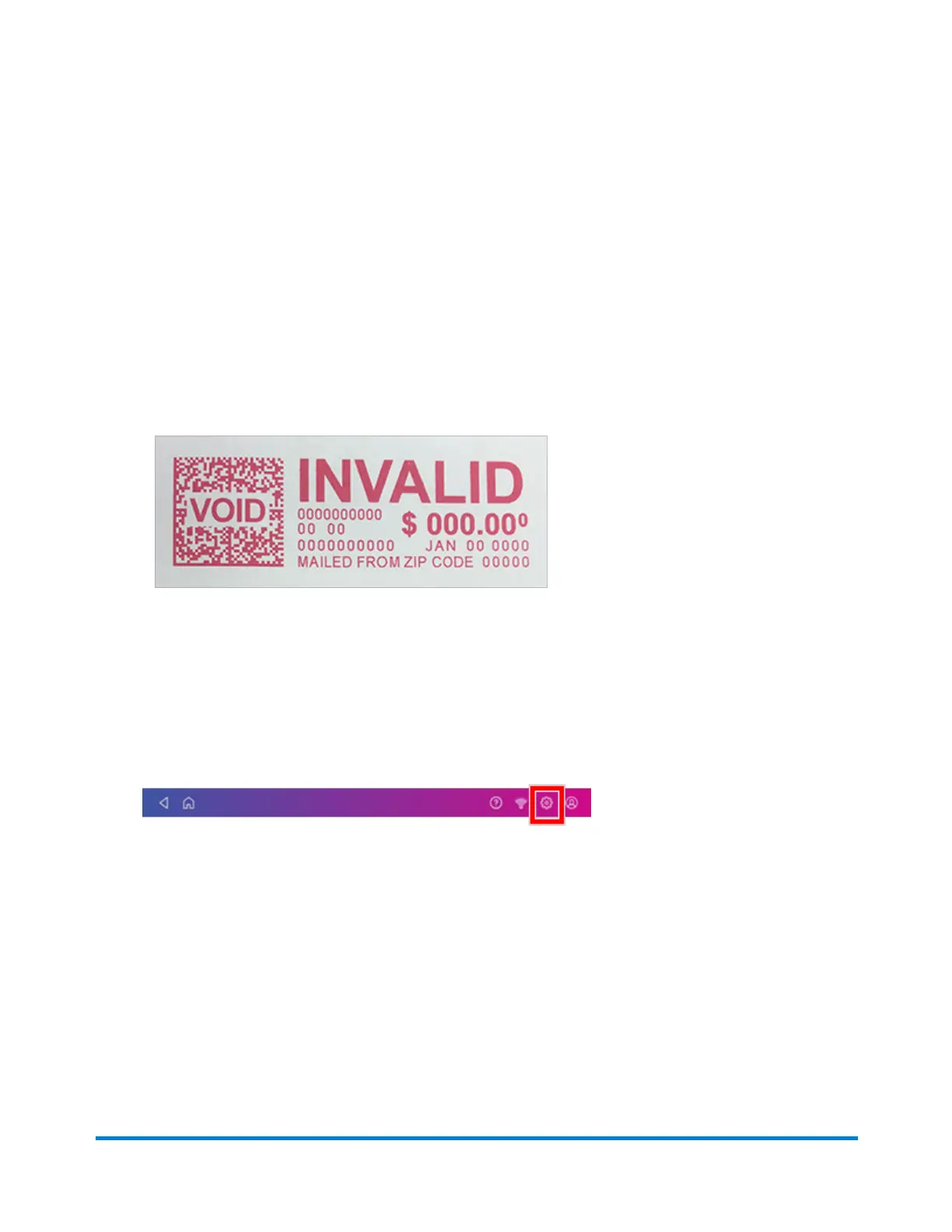
Checking the postage print quality
You can make a test print to check the quality of the postage printed on an envelope or tape strip.
1. Tap Envelope Printing or Print on Envelopes on the Home screen.
2. Tap Print Mode.
3. Scroll down and tap Test Print.
4. Tap Apply.
5. Feed an envelope or tape strip through the machine.
6. Check the print quality.
Printing a test pattern
Print a test pattern to see if the printhead is working properly or if you have enough ink in the cartridge.
1. Tap Settings.
2. Scroll down and tap Envelope Printer Maintenance.
3. Tap Print Test Pattern.
4. Insert the envelope into the device when the message "Print a Test Pattern?" appears.
Maintenance
Pitney Bowes Operator Guide July 2023 166










 To Next Page