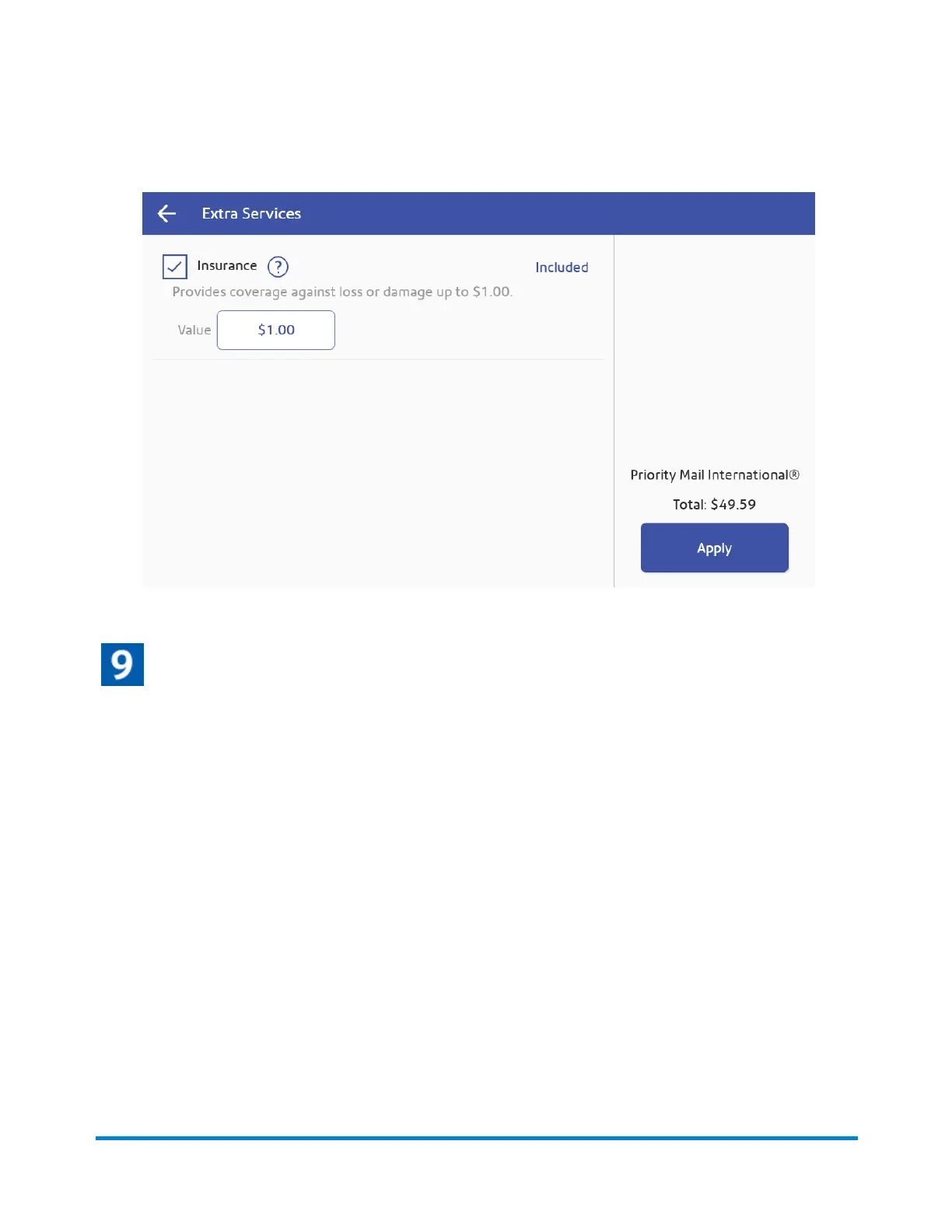
4. Select the desired services and tap Apply.
Print the shipping label
1. To print the label, tap Print.
2. (Optional) On the Label Options screen, tap Print Sample to print a sample label.
3. Tap Print again and the label prints. You may need to enter the Sender and Recipient's phone
number, as it is required for some services.
4. The carrier screen reappears.
Printing a USPS return shipping label
If you need to provide a USPS return label for someone to ship something back to you, you can print a
return label.
1. Tap SendPro Apps on the Home screen, then tap Shipping History. All of the shipping labels
appear by date. The most recent date appears first in the list.
Printing Shipping Labels
Pitney Bowes Operator Guide July 2023 93










 To Next Page