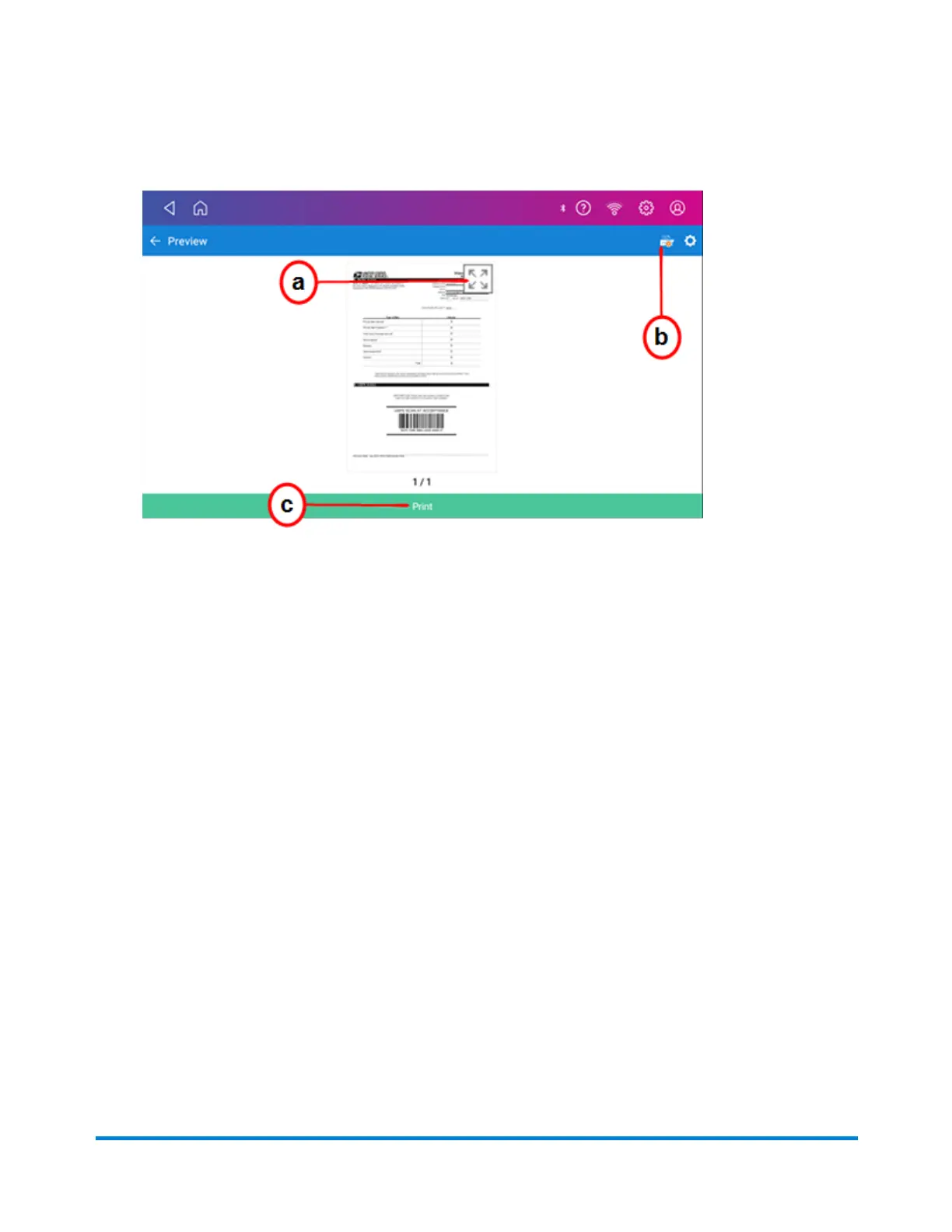
4. A preview of the manifest appears.
a. To expand the view of the manifest, tap the expand icon.
b. To change or select the printer, tap the device icon.
c. To print the manifest, tap Print on the green bar at the bottom of the screen.
Reprinting a USPS, UPS or FedEx shipping label
If a label does not print correctly, you can print it again.
1. Tap SendPro Apps on the Home screen, then tap Shipping History. All of the shipping labels
appear by date. The most recent date appears first in the list.
2. Locate your label in the list. To sort by a different column, tap that column heading. To reverse
the sort order, tap the same column heading again.
3. Tap on the shipment.
4. Tap Reprint Label.
Canceling a UPS or FedEx shipping label
You can cancel a UPS or FedEx shipping label to stop the postage appearing on your UPS or FedEx
invoice.
Printing Shipping Labels
Pitney Bowes Operator Guide July 2023 95










 To Next Page