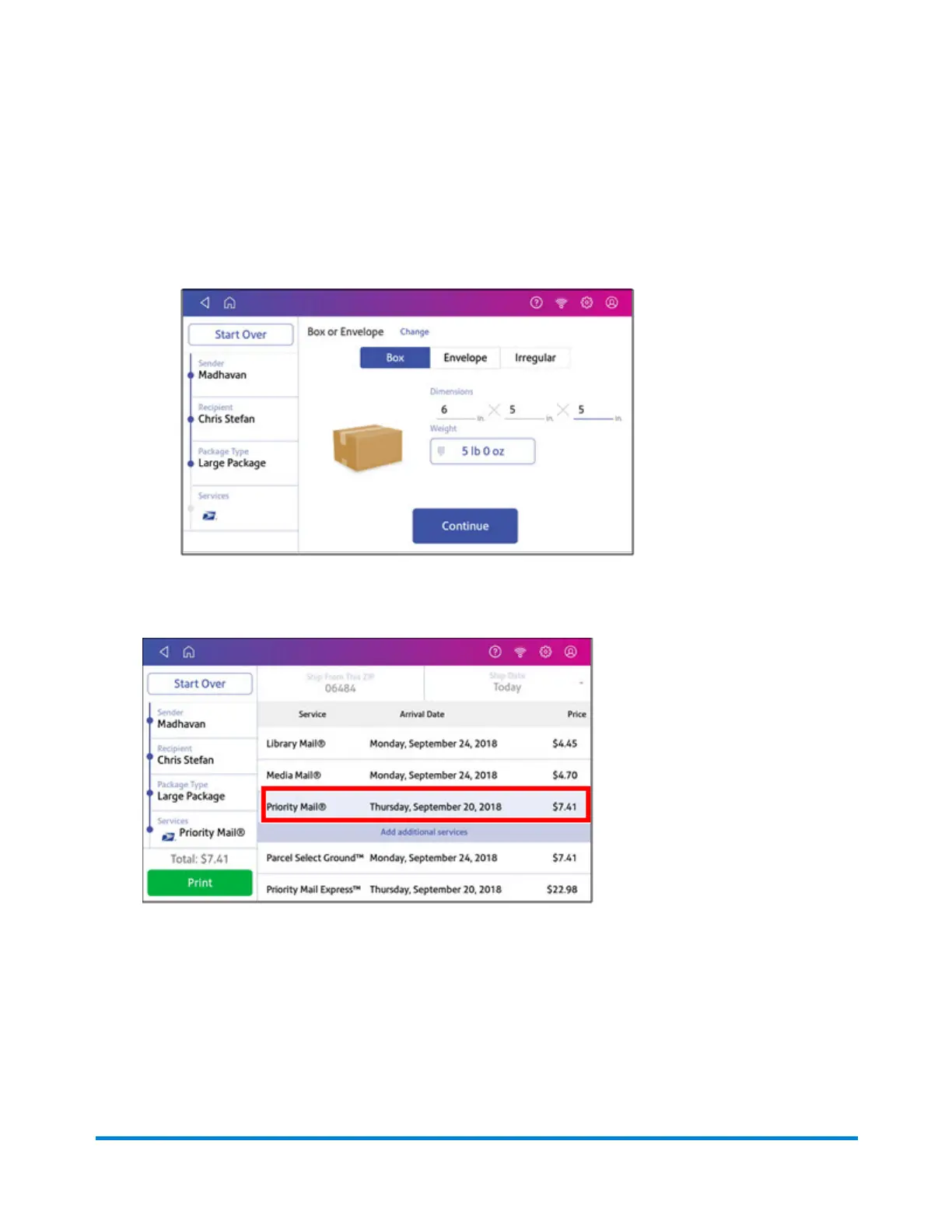
9. Enter the dimensions and weight of the package:
l
Tap each dimension and enter a value. Tap the green check mark when done.
l
If you have an attached scale, place the package on the scale and tap Weight. Tap Scale
and the weight appears. Tap Apply.
l
If you do not have a scale, tap Weight and enter the weight, then tap Apply.
10. Tap Continue.
11. Tap the service you wish to use.
Printing Shipping Labels
Pitney Bowes Operator Guide July 2023 74










 To Next Page