SendPro Tablet Operator’s Guide
7
SendPro Tablet Operator’s Guide
Re-pairing a device connection:
If a device becomes disconnected from the keyboard, you can easily re-pair the device.
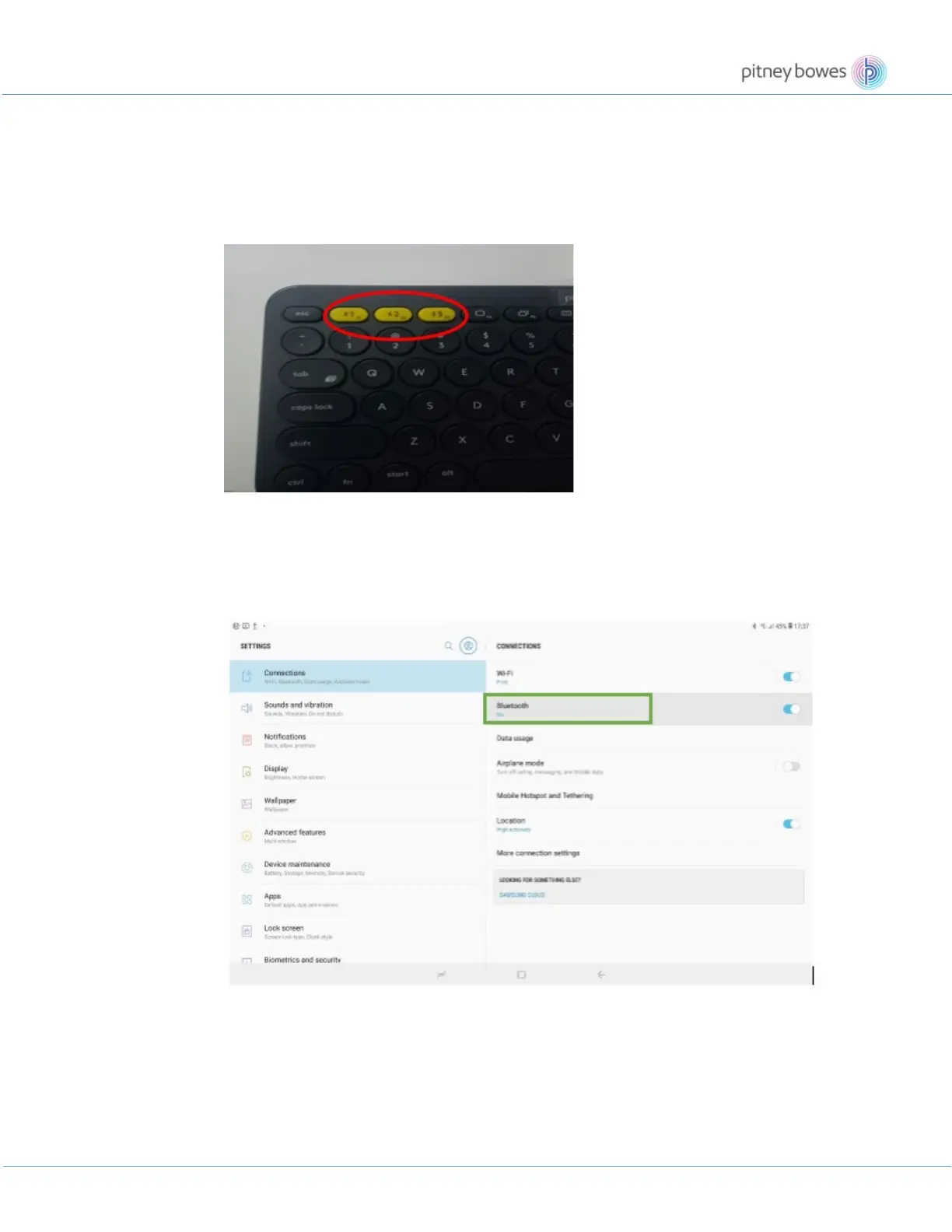
On the keyboard
• Press and hold down an Easy-Switch button until the status light starts blinking.
• The keyboard is in pairing mode for the next three minutes.
On the device
• Go to Bluetooth settings on your device and select Logitech Bluetooth® Multi-Device
Keyboard K380 when it appears in the list of available Bluetooth devices.











 To Next Page