SendPro Tablet Operator’s Guide
8
SendPro Tablet Operator’s Guide
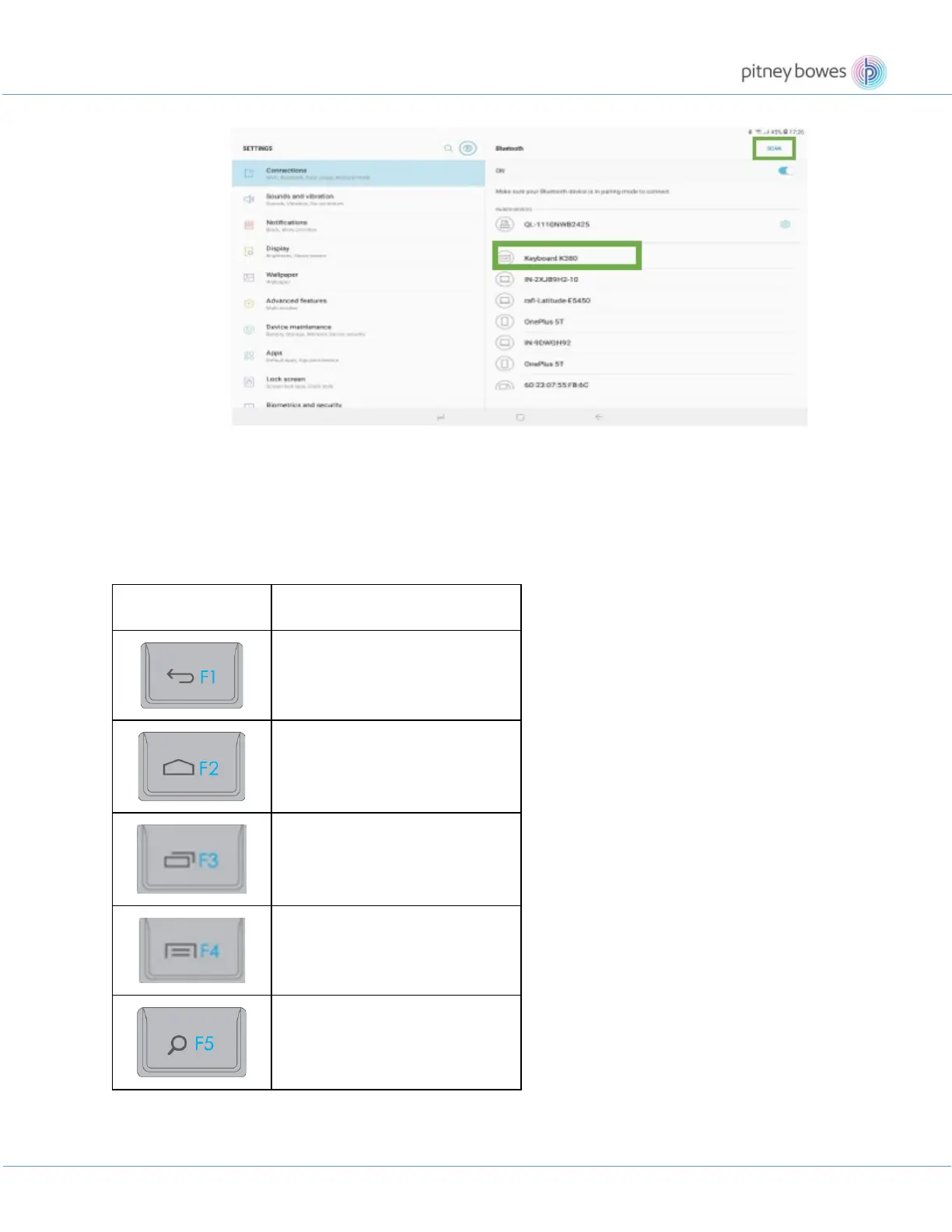
• Follow the onscreen instructions to complete the pairing.
• Upon pairing, the status LED on the keyboard stops blinking and remains steady for 10
seconds.
K-400 keyboard’s shortcut and function keys streamline navigation, media control and keyboard
functions. The description of these keys are illustrated below.
Back
Home
Switch application
Menu
Search











 To Next Page