55
1) DELAY SWITCH DEACTIVATED:
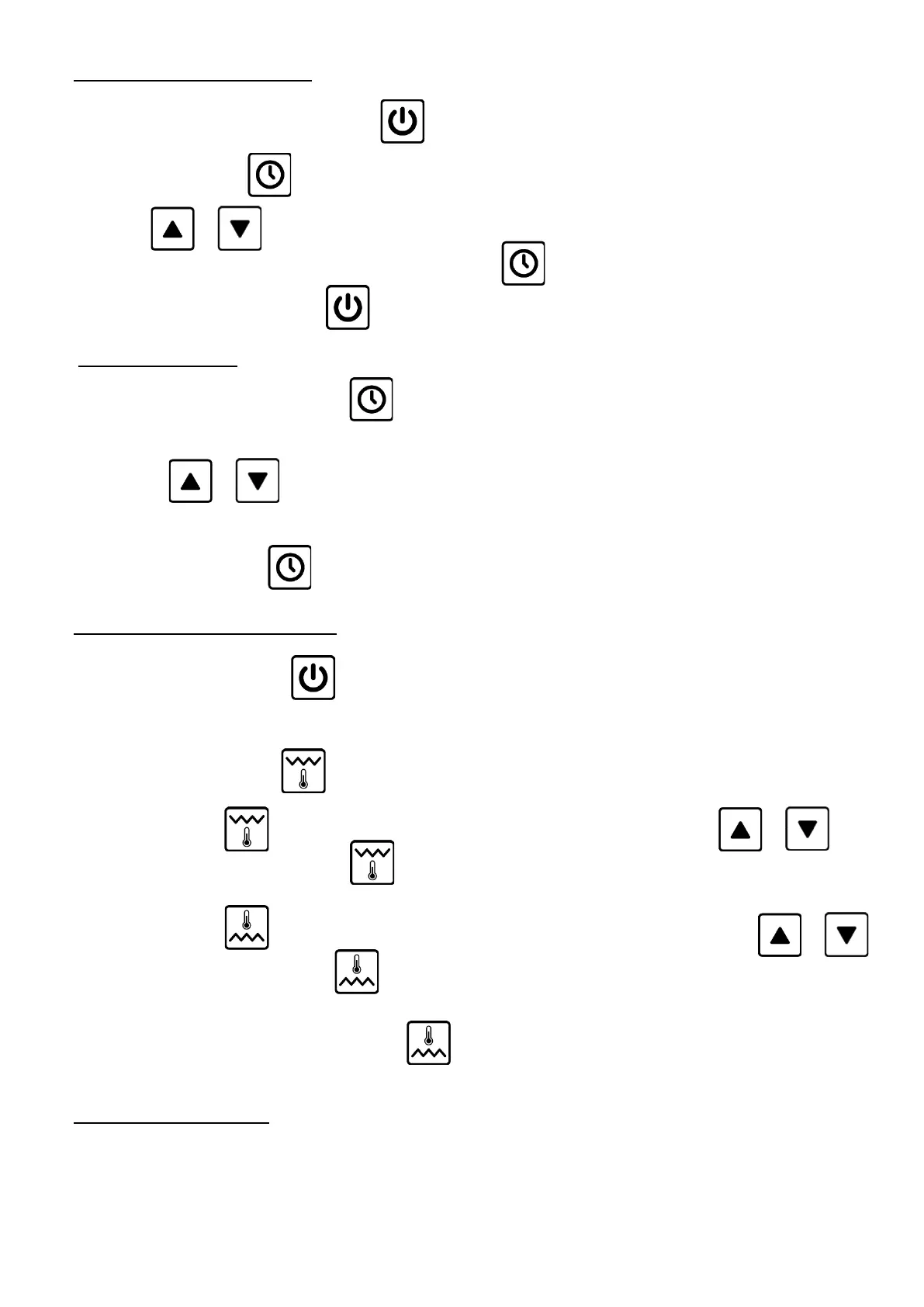
- Turn on unit by pressing the ON/OFF button
- Press the CLOCK button for 4 seconds until you see "dd";
- Use the key or to set the value "dd: 0” .
Wait for confirmation of the set value or by pressing the button until you see Pr1 or Pr2;
- Turn off unit with the ON/OFF button .
2) SET DATE and TIME:
- With card OFF press the CLOCK button for 4 seconds until you see the day of the week "dd "followed by a
number from 1 to 7 (1= Monday, 7= Sunday);
- Use the button or to plan the day of the week and to confirm with the button CLOCK.
- In the same way also set the hours, indicated by " hh "and the minutes using "nn".
After confirm the minutes with the card will return to OFF.
3) SETTING PROGRAMS Pr1 and Pr2:
- With card OFF press the button
After which the program used appears for 5 seconds (Pr1 green or Pr2 red) and then the room temperature showed in
green if is selected Pr1 or red if is selected Pr2.
- Select Pr1 pressing the button once
- Always with the button pressed for 3 seconds enable the TOP value and with the button or
set the value to 300°C and confirm with
- Always with the button pressed for 3 seconds enable the BOTTOM value and with the button or
set the value to 250°C and confirm with
- To select the Pr2 program press the button once and repeat the sequence to set the TOP at 320° C and the
BOTTOM at 300° C.
4) DELAY SWITCH SETTING:
- Set DELAY SWITCH with card on


 To Next Page