56
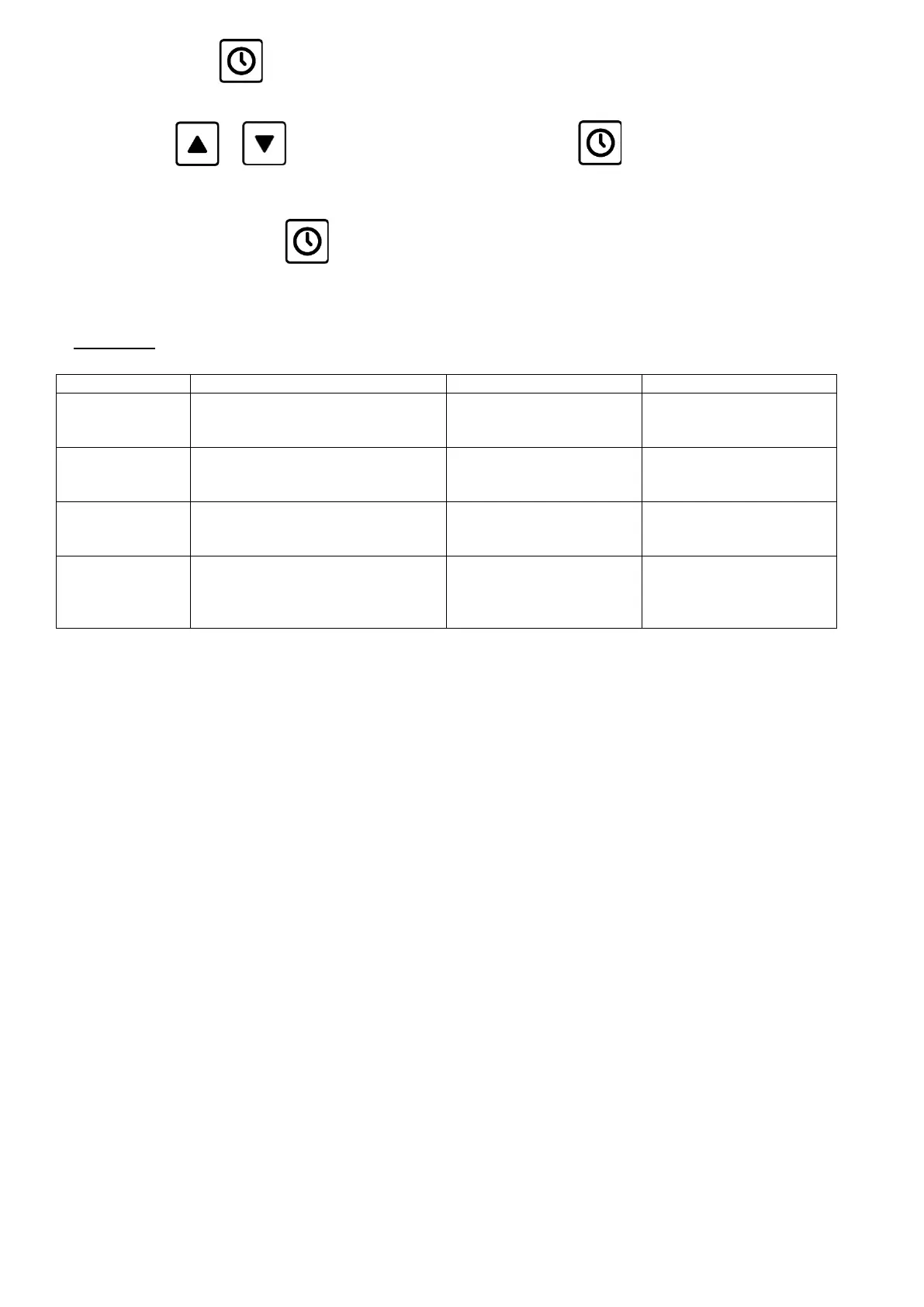
- Then press the button for 3 seconds to enter the setting where flashing "dd" initially appears and then a
number from 0 to 7 (0 = delay switch disabled, 1=Monday, 7=Sunday) ;
- Use the button or set the day of the week and confirm with
- In the same way also set the hours, indicated by " hh" and the minutes using "nn".
After confirming the minutes with the card returns to the parameter of the Day "dd", confirm the "hh"
hours again and "nn" minutes until the "two" flashing points" appear : "and the clock icon turns on indicating delay
start is enabled.
5) ALLARMS:


 To Next Page