Using the Display in Portrait Mode
ep46L/ep55L User Manual 19
Using the Display in Portrait Mode
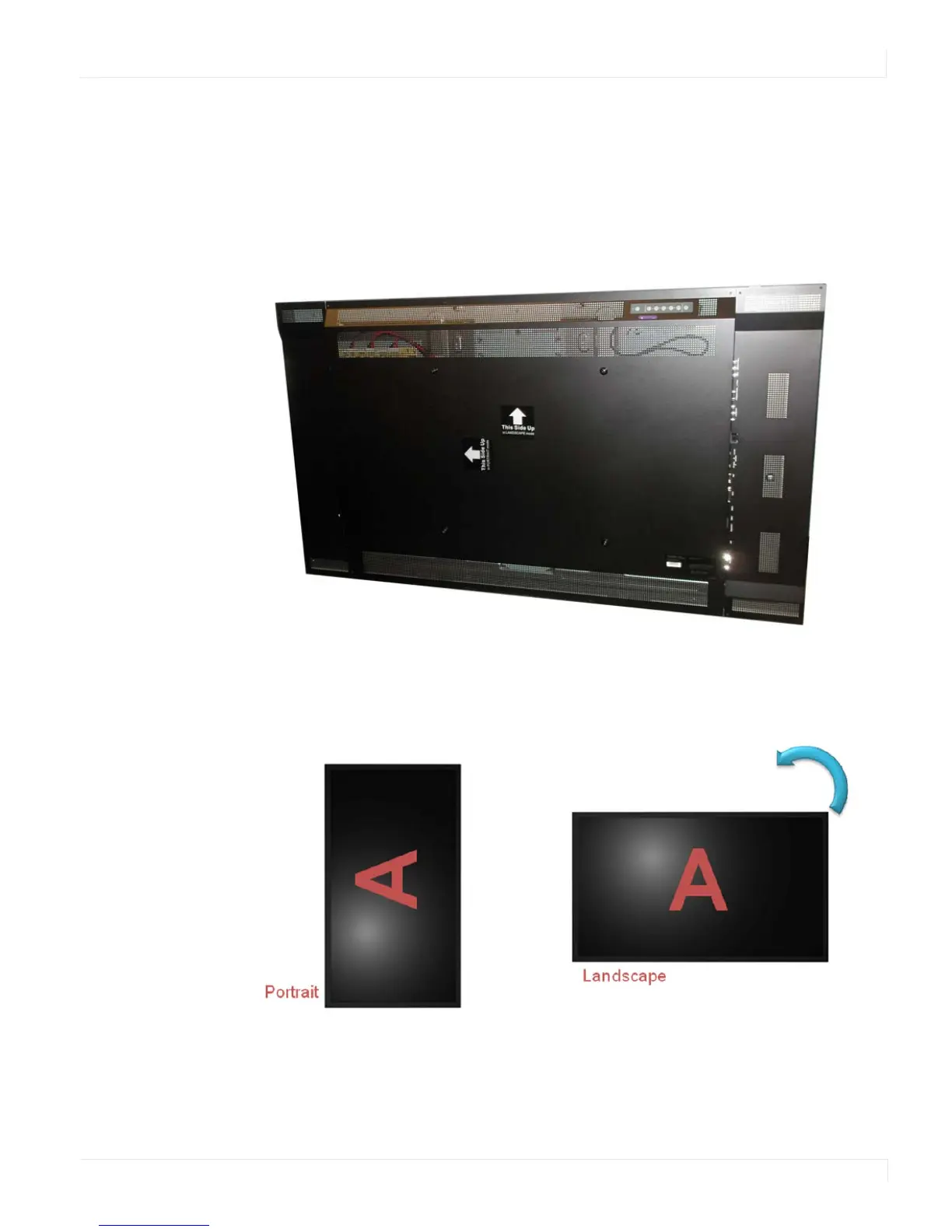
When using the display in the portrait position, it should be rotated counter-
clockwise so the right side is moved to the top. This will allow for proper ventilation.
Then select the OSD rotation of landscape or portrait on the OSD menu (MAIN MENU
> BASIC SETTINGS > OSD ROTATION). Look for the sticker on the back of the display
to see which direction is up.
Note: This picture from the back of the display shows it facing up. Use the arrows as a guide.
Caution: Improper ventilation may shorten the life of the display.















 To Next Page