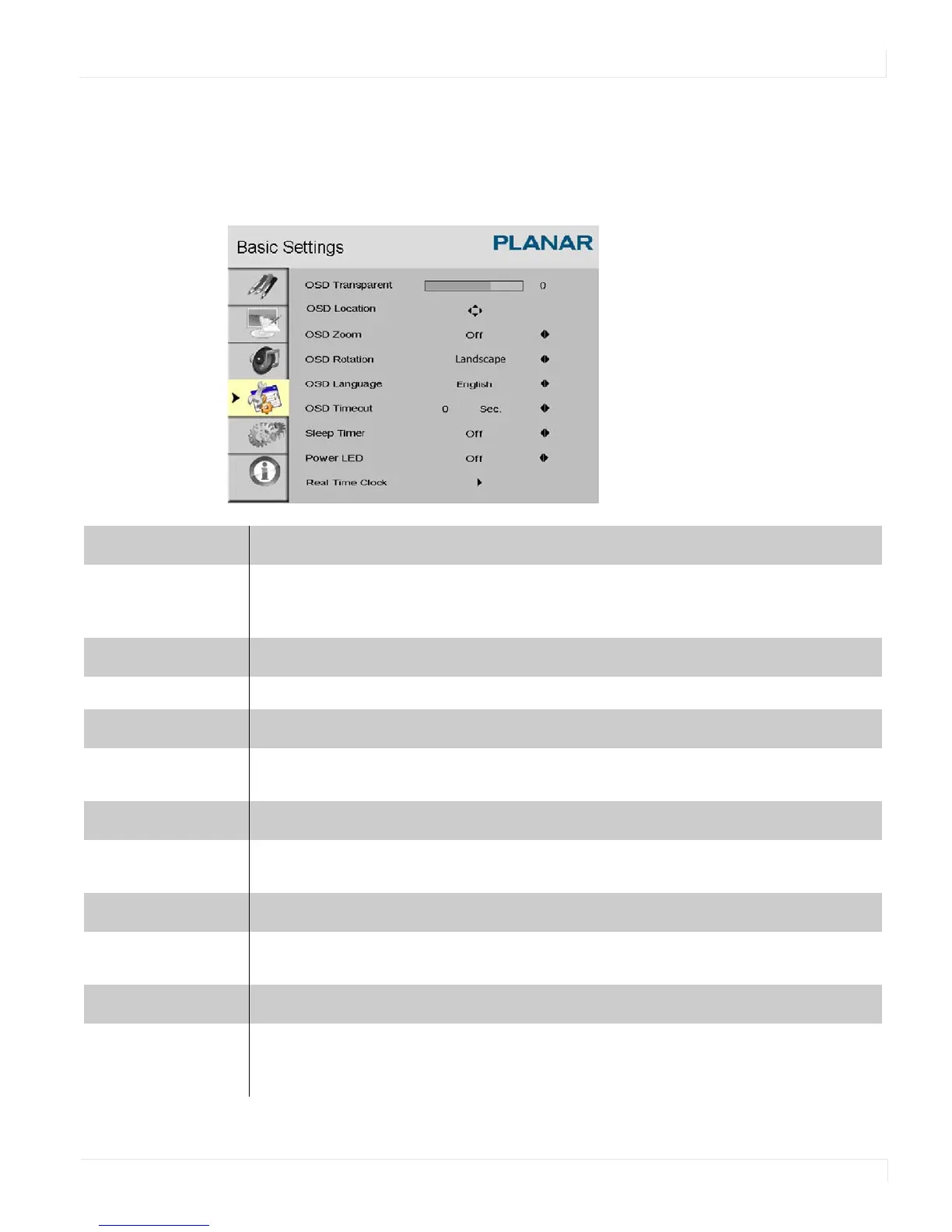
Basic Settings Menu
ep46L/ep55L User Manual 43
Basic Settings Menu
This menu is used to make initial setup adjustments to the OSD (On-Screen Display)
menu and other on-screen messages.
OSD Transparent
Set the menu transparency. Press or to select the desired level, and press ENTER.
Range: 0~100
Default: 0
OSD Location
Adjust the menu location on the ep46L/ep55L (Up, Down, Left, Right).
OSD Zoom
Options: On, Off
Default: Off
OSD Rotation
Select the OSD Rotation. Press or to select the rotation.
Options: Landscape or Portrait
OSD Language
Options: English and Chinese
Default: English
OSD Timeout
Options: 5~120
Default: 30















 To Next Page