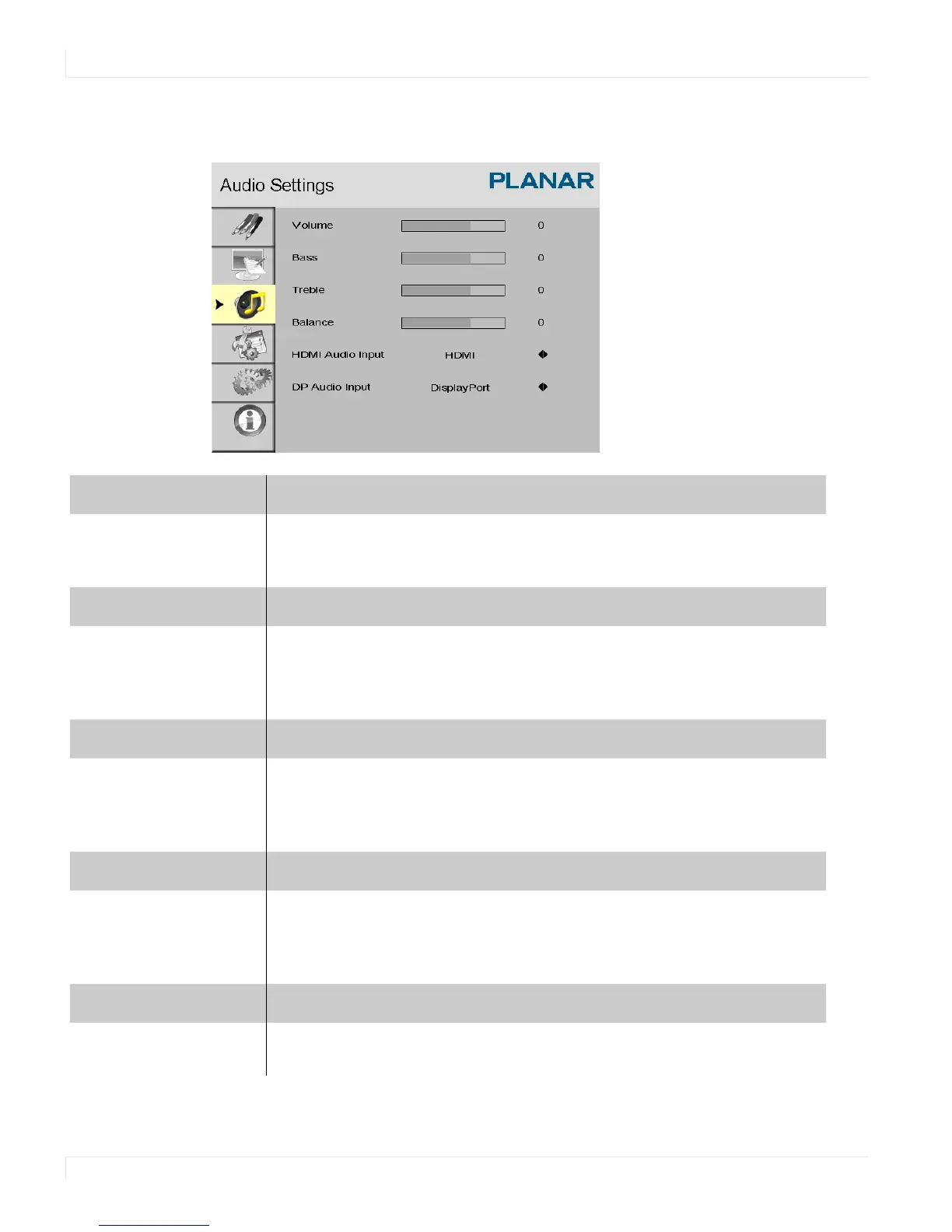
Audio Settings Menu
42 ep46L/ep55L User Manual
Audio Settings Menu
Volume
Adjust the sound. Press or , select the desired level, and press ENTER.
Range: 0~100
Default: 50
Bass
Adjust the low tones (bass). Press or , select the desired level, and press
ENTER.
Range: 0~20
Default: 10
Treble
Adjust the high tones (treble). Press or , select the desired level, and
press
ENTER.
Range: 0~20
Default: 10
Balance
Adjust the balance of the left and right speakers. Press or , select the
desired level, and press
ENTER.
Range: 0~20
Default: 10
HDMI Audio Input
Select HDMI or PC audio input mode.
Default: HDMI















 To Next Page