OSD Menu Functions
28 ep46L/ep55L User Manual
OSD Menu Functions
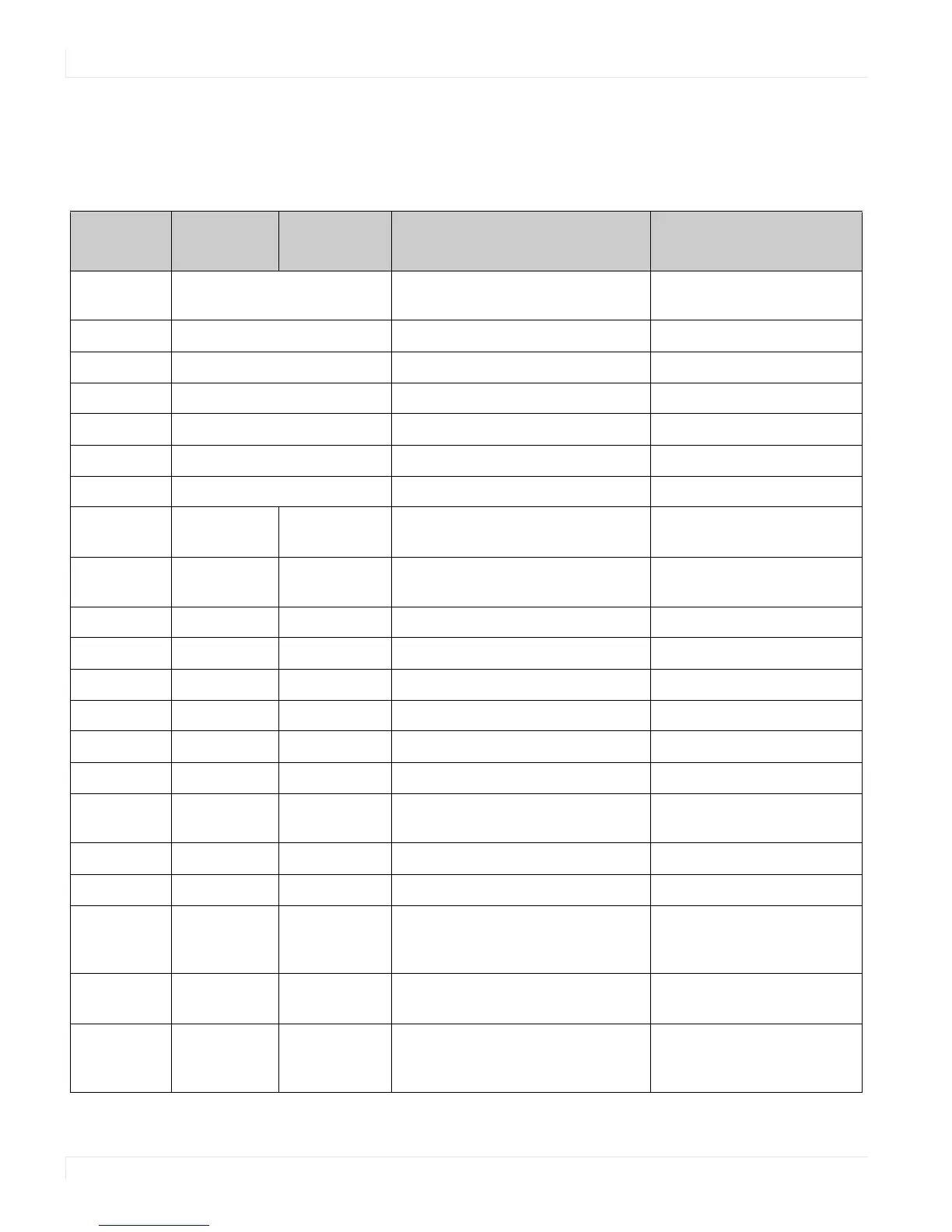
Graphics Mode
MainMenu Submenu
Secondary
Menu
Description Setting
Image
Settings
Scheme Disabled in Graphics mode
Brightness Adjust the brightness of the screen 0~100
Contrast Adjust the contrast of the screen 0~100
Sharpness Adjust the sharpness of the screen 0~24
Saturation Disabled in Graphics mode
Hue Disabled in Graphics mode
Backlight Adjust the backlight 0~100
Color Temp &
Gamma
Gamma Select the Gamma 2.2, Off
Color Temp Select the Color Temp 5000K, 6500K, 7500K, 9300K,
User
Red Gain Select the Red Gain 128~384
Green Gain Select the Green Gain 128~384
Blue Gain Select the Blue Gain 128~384
Red Offset Select the Red Offset -50~50
Green Offset Select the Green Offset -50~50
Blue Offset Select the Blue Offset -50~50
Display
Settings
Main Aspect Ratio Adjust the aspect ratio of the screen Full screen, Pillar Box, Letter
Box, Native
Zoom Adjust the zoom function
Auto Scan Select the Auto scan function Off, On
Select Source Select the main input source VGA, HDMI 1/2, DisplayPort,
DVI, Comp, S-V (s-video),
Video (composite)
PIP PIP Mode Select the PIP mode Off, Large PIP, Medium PIP,
Small PIP, Side by Side
PIP Position Select the PIP location Bottom-Right, Top-Left
Top-Right, Bottom-Left















 To Next Page