Web Service
52 ep46L/ep55L User Manual
Web Service
The web service allows you to configure the settings required to send email alerts. If
you are not using email alerts, you do not need to use the web service and can skip
this section.
Login
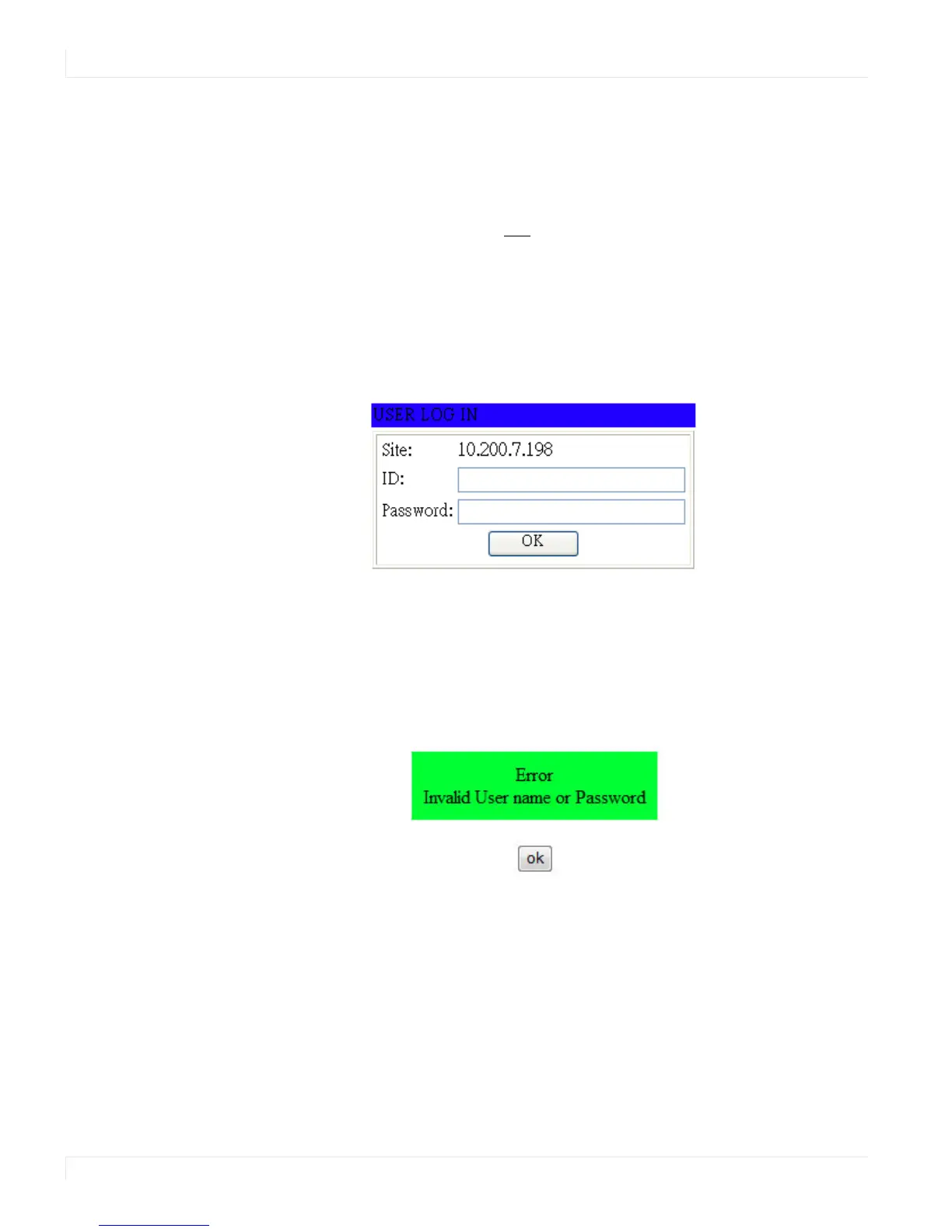
When you direct your browser to the network IP address of the ep46L/ep55L, you are
prompted to login as shown here.
The default ID is admin and the default password is system.
Note: Cookies and JavaScript must be enabled in your browser.
Note: If your session times out or if you enter an incorrect ID or password, you will see the
following message.















 To Next Page