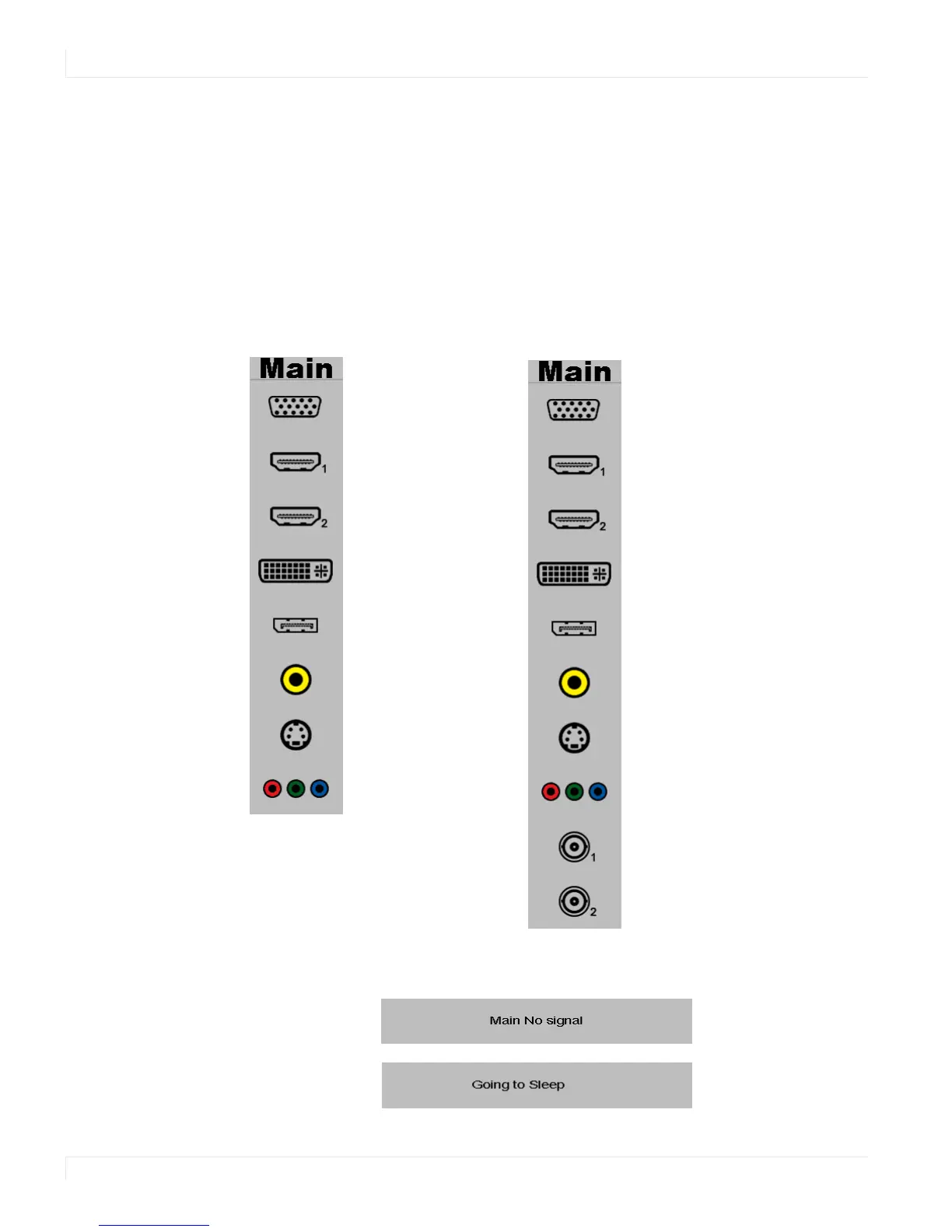
Selecting the Input Source
24 ep46L/ep55L User Manual
Selecting the Input Source
1 Do one of the following:
• Using the remote, press the desired source button (VGA, HDMI 1, HDMI 2,
DISPLAYPORT, VIDEO (COMPOSITE), S-V (S-VIDEO), COMPONENT, SDI 1 OR SDI 2.).
• Press the source button on the ep46L/ep55L’s keypad. Use the arrow buttons
(▲ ▼) to select one of the following input sources and press ENTER: VGA, HDMI
1, HDMI 2, DVI, DISPLAYPORT, COMPOSITE VIDEO, S-VIDEO, COMPONENT, SDI 1
OR SDI 2.
Note: When the ep46L/ep55L cannot find a source, a “No signal” message will appear.
VGA
HDMI 1
HDMI 2
DVI
DisplayPort
Composite Video
Component Video
S-Video
SDI 1
SDI 2
Standard Inputs
Standard Inputs Plus Optional SD-HDI















 To Next Page