Using the Remote Control
ep46L/ep55L User Manual 21
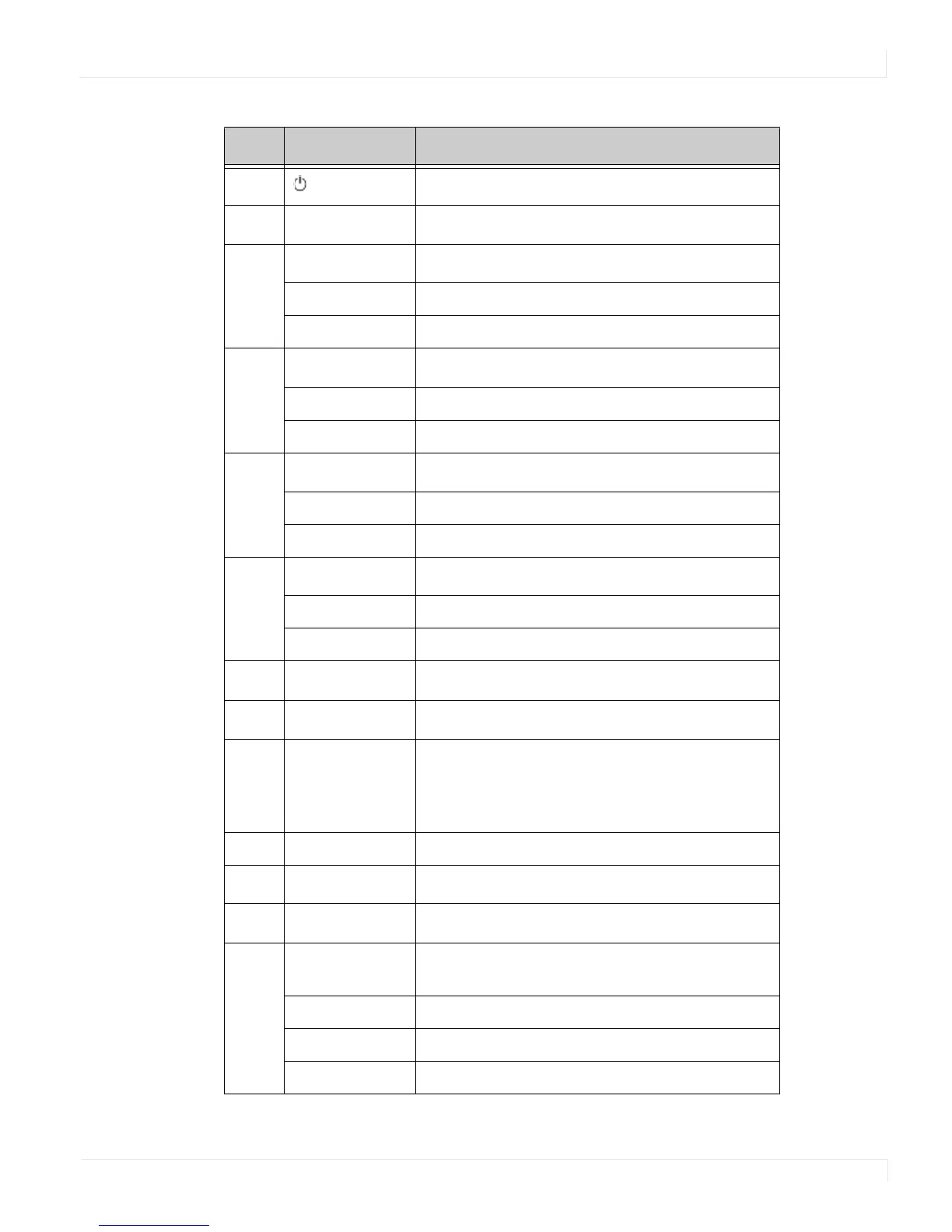
Num Function Description
1
Turns the ep46L/ep55L on and off
2
INFO Provides source and resolution information
3
VGA Selects the PC’s RGB source
DVI Selects the PC’s DVI source
HDMI 1 Selects the HDMI source 1
4
COMP Selects the Component source
AV (VIDEO) Selects the Composite video source
HDMI 2 Selects the HDMI source 2
5
PIP position Selects the PIP position
Display port Selects the display port source
HD-SDI 1 Selects the HD-SDI source 1
6
PIP Turns the PIP feature on and off
S-V Selects the S-Video source
HD-SDI 2 Selects the HD-SDI source 2
7
SWAP Swaps the main source & sub source picture
8
P-SOURCE Selects the secondary subsource
9
MENU Opens the ep46L/ep55L’s on-screen menu
system. When the menu system is already open,
pressing this button will select the previous
submenu.
▲, , ,▼ Navigates through submenus and settings
10
EXIT Closes the menu system
11
ENTER Selects highlighted menu choices
12
SCALING Toggles between different aspect ratios (Auto,
Native, 4 x 3, 16 x 9, 16 x 10 and Letterbox)
FREEZE Freezes the current source image
MUTE Turns off the sound
BRIGHT Adjusts the brightness















 To Next Page