Advanced Settings Menu
ep46L/ep55L User Manual 49
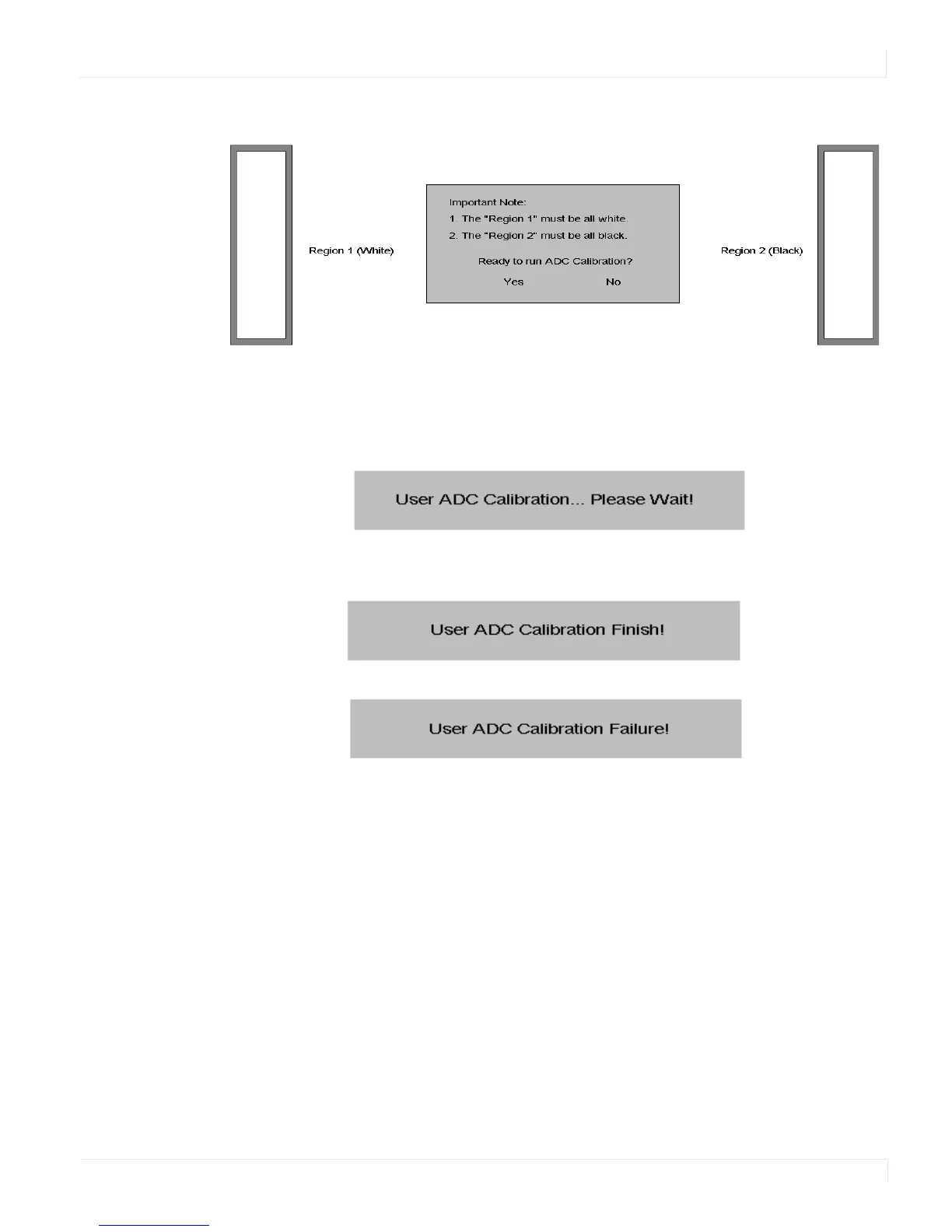
c The black in the right box has to be the darkest black.
3 After the correct image is displayed, click “Yes” to begin ADC calibration.
4 During the calibration process, the following message will appear to notify you to
wait for the calibration.
5 After the calibration is complete, you will see one of two messages.















 To Next Page