User’s Manual of WNRT-617
-108-
5.16 System Tools
Choose menu “System Tools”, and you can see the submenus under the main menu: Time Settings,
Diagnostic, Firmware Upgrade, Factory Defaults, Backup & Restore, Reboot, Password,
System Log and Statistics. Click any of them, and you will be able to configure the corresponding
function. The detailed explanations for each submenu are provided below.
Figure 5-64 The System Tools menu
5.16.1 Time Settings
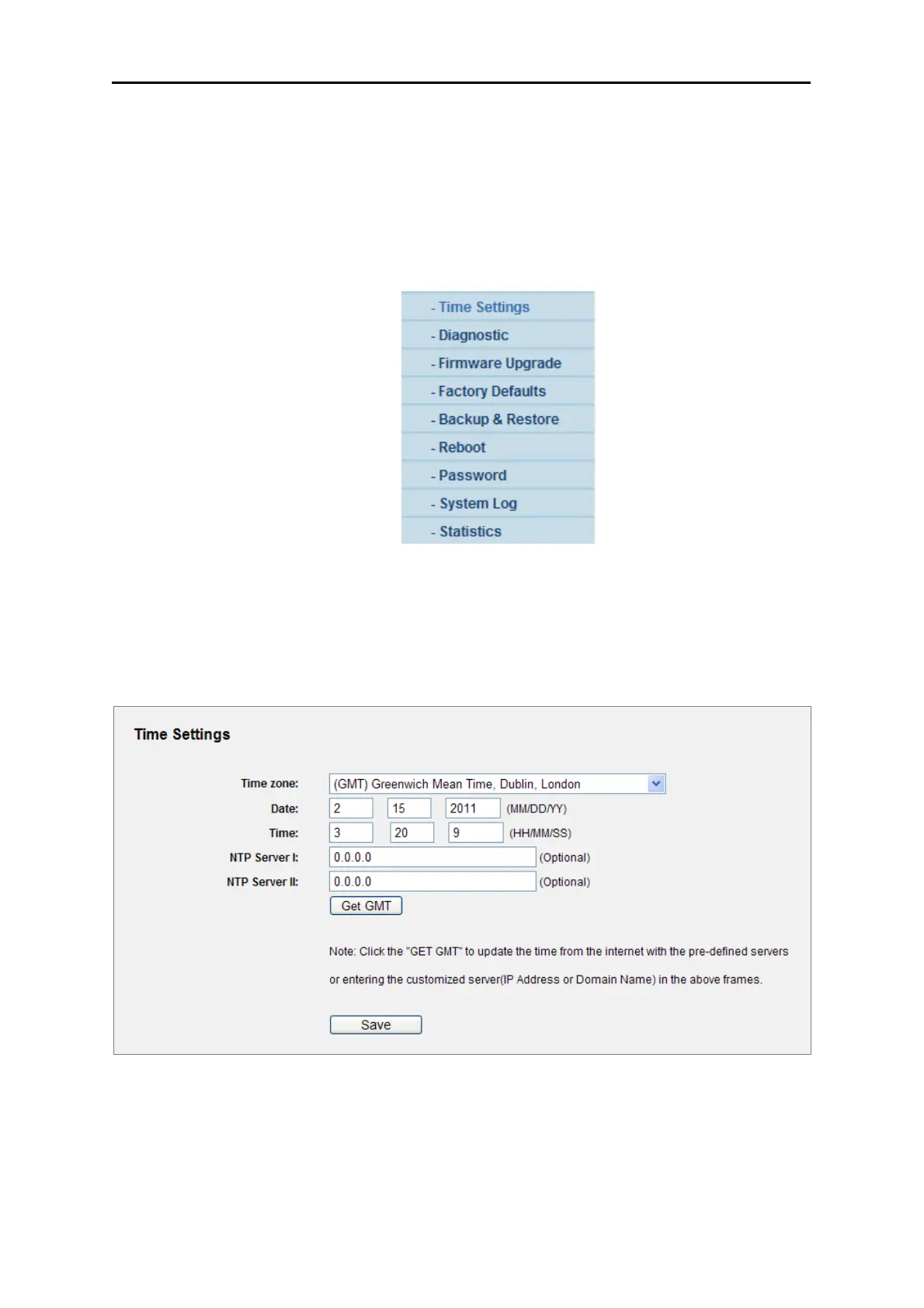
Choose menu “System Tools→Time Settings”, you can configure the time on the following screen.
Figure 5-65 Time settings
The page includes the following fields:



 To Next Page