User’s Manual of WNRT-617
-122-
Chapter 6. Quick Connect to a Wireless Network
6.1 Windows XP (Wireless Zero Configuration)
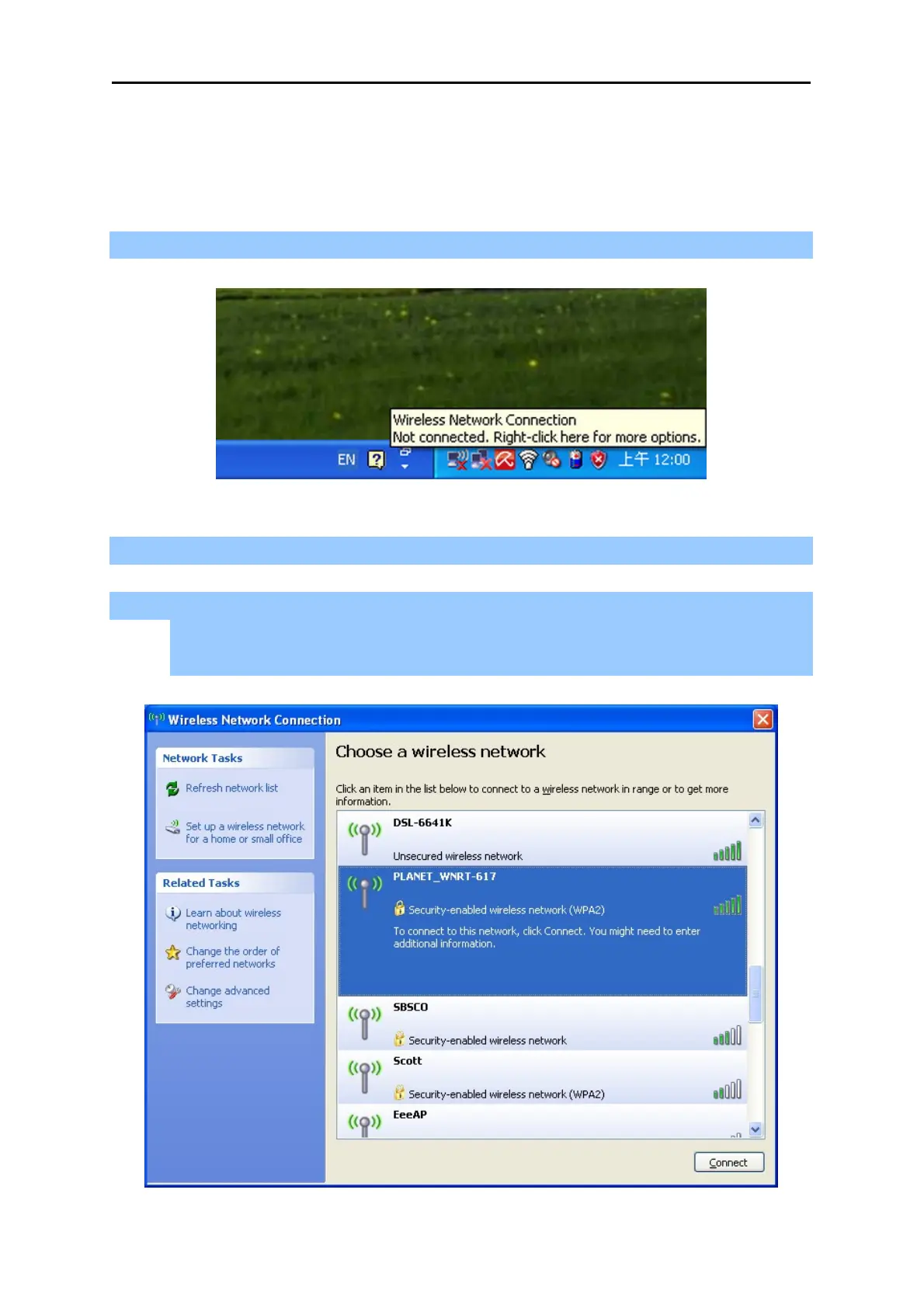
Step 1: Right-Click on the wireless network icon displayed in the system tray
Figure 6-1
Step 2: Select [View Available Wireless Networks]
Step 3: Highlight and select the wireless network (SSID) to connect
(1) Select SSID [PLANET_WNRT-617]
(2) Click the [Connect] button
Figure 6-2



 To Next Page