User’s Manual of WNRT-617
-92-
Step 3. In Target Description field, create a unique description for the target (e.g. Target_1).
Step 4. In Domain Name field, enter www.google.com.
Step 5. Click Save to complete the settings.
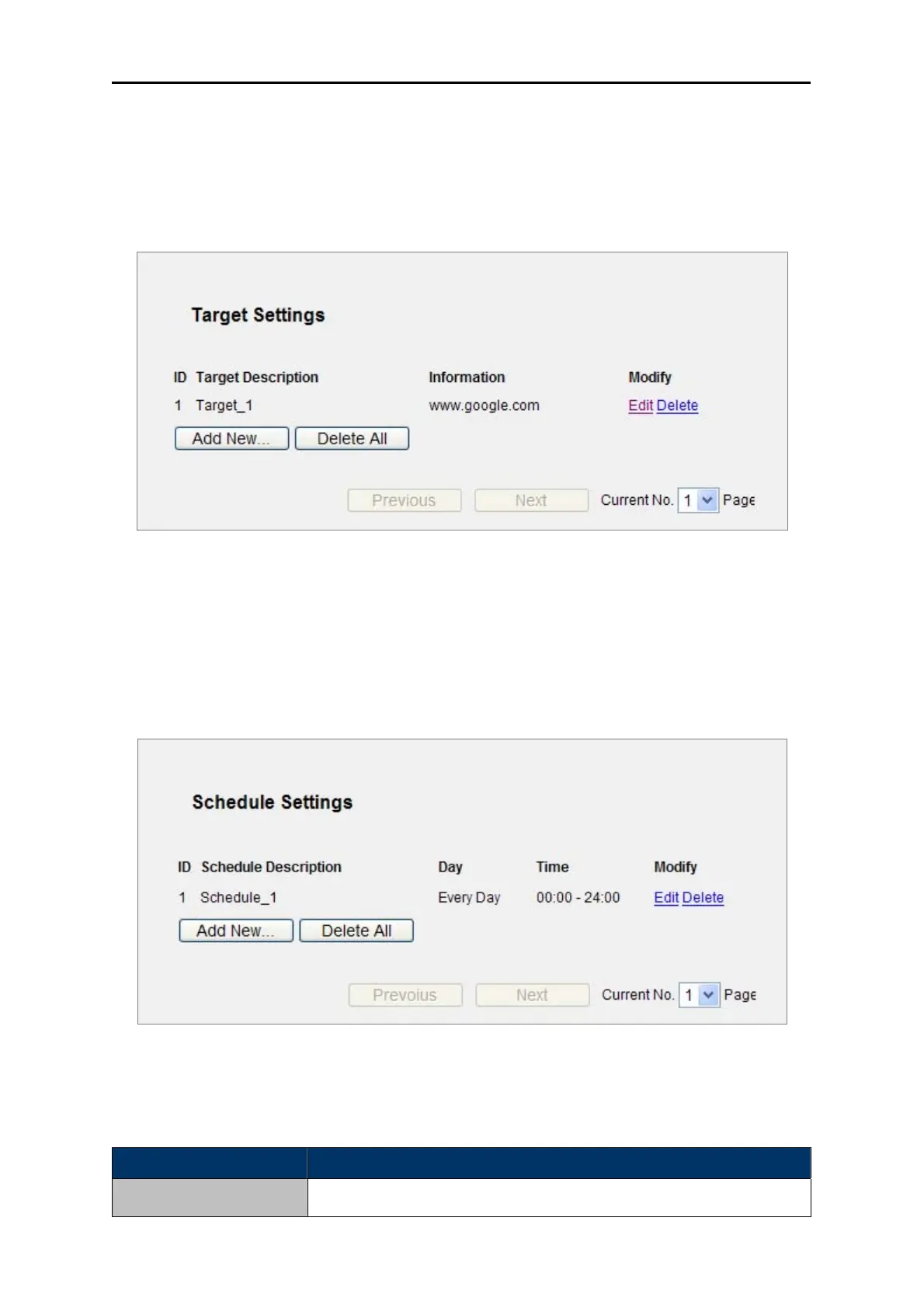
Then you will go back to the Target Settings page and see the following list.
Figure 5-61
5.11.4 Schedule
Choose menu “Access Control → Schedule”, you can view and set a Schedule list in the next
screen as shown in Figure 5-47. The Schedule list is necessary for the Access Control Rule.
Figure 5-47 Schedule Settings
The page includes the following fields:
Object Description
Schedule Description
Here displays the description of the schedule and this description is



 To Next Page