User’s Manual of WNRT-617
-64-
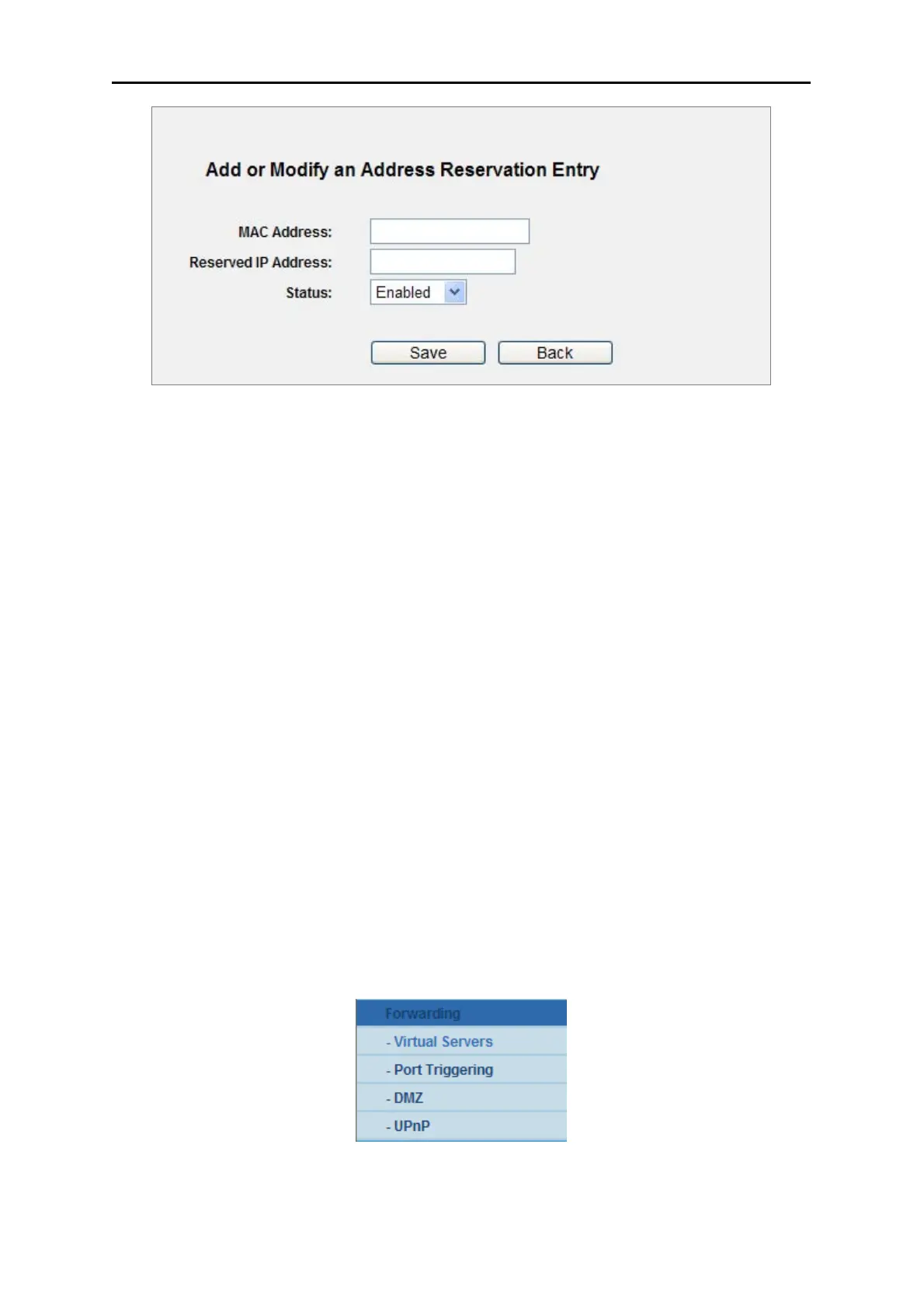
Figure
5-22 Add or Modify an Address Reservation Entry
To modify or delete an existing entry:
Step 1. Click the Modify in the entry you want to modify. If you want to delete the entry, click the
Delete.
Step 2. Modify the information.
Step 3. Click the Save button.
Click the Enable/ Disabled All button to make all entries enabled/disabled
Click the Delete All button to delete all entries
Click the Next button to go to the next page and Click the Previous button to return the previous
page.
5.8 Forwarding
There are four submenus under the Forwarding menu (shown in Figure 5-23): Virtual Servers, Port
Triggering, DMZ and UPnP. Click any of them, and you will be able to configure the corresponding
function.
Figure 5-23 The Forwarding menu



 To Next Page