User’s Manual of WNRT-617
-63-
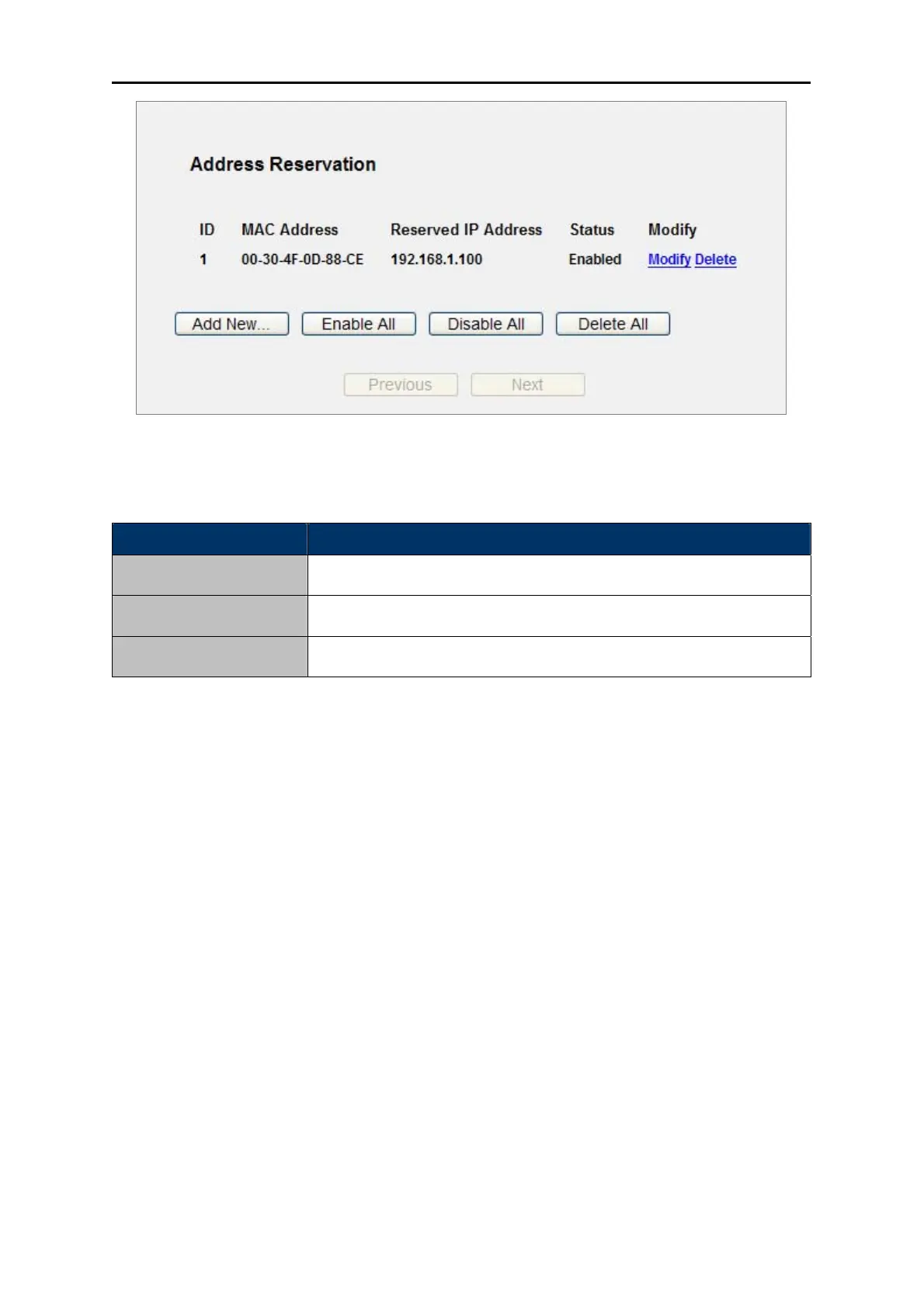
Figure 5-21 Address Reservation
The page includes the following fields:
Object Description
MAC Address
The MAC address of the PC for which you want to reserve IP address.
Assigned IP Address
The IP address of the Router reserved.
Status
The status of this entry either Enabled or Disabled.
Table 5-23
To Reserve IP addresses:
Step 1. Click the Add New … button.
Step 2. Enter the MAC address (in XX-XX-XX-XX-XX-XX format.) and IP address in dotted-decimal
notation of the computer you wish to add.
Step 3. Click the Save button when finished.



 To Next Page