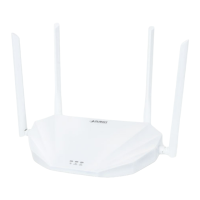
User’s Manual of WNRT-617
-54-
5.6.3 Wireless MAC Filtering
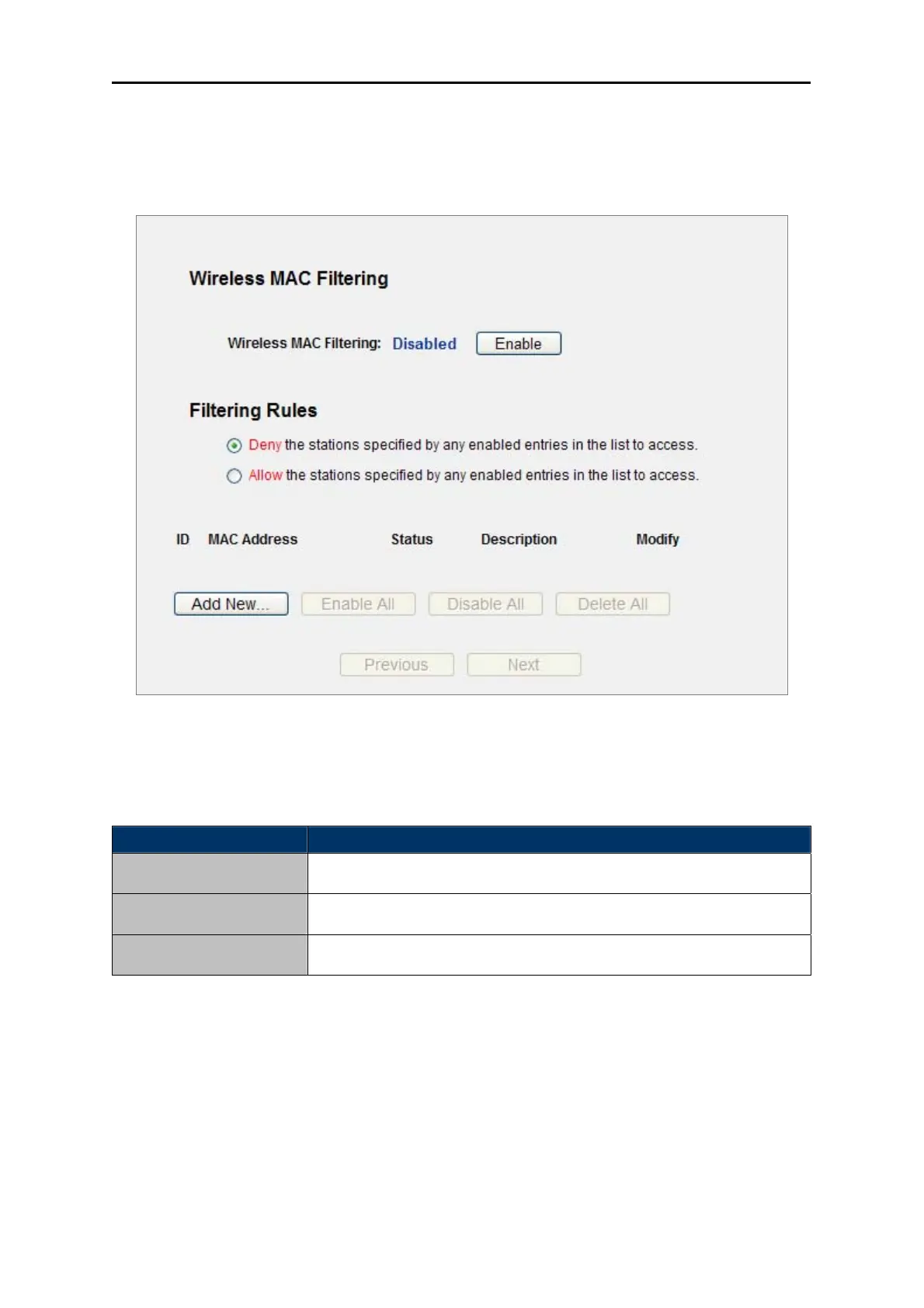
Choose menu “Wireless→MAC Filtering”, you can control the wireless access by configuring the
Wireless MAC Address Filtering function, shown in Figure 5-14.
Figure 5-14 Wireless MAC address Filtering
To filter wireless users by MAC Address, click Enable. The default setting is Disable.
Object Description
MAC Address
The wireless station's MAC address that you want to filter.
Status
The status of this entry either Enabled or Disabled.
Description
A simple description of the wireless station.
Table 5-18
To Add a Wireless MAC Address filtering entry, click the Add New… button. The "Add or Modify
Wireless MAC Address Filtering entry" page will appear, shown in Figure
5-15:


 To Next Page