User’s Manual of WNRT-617
-73-
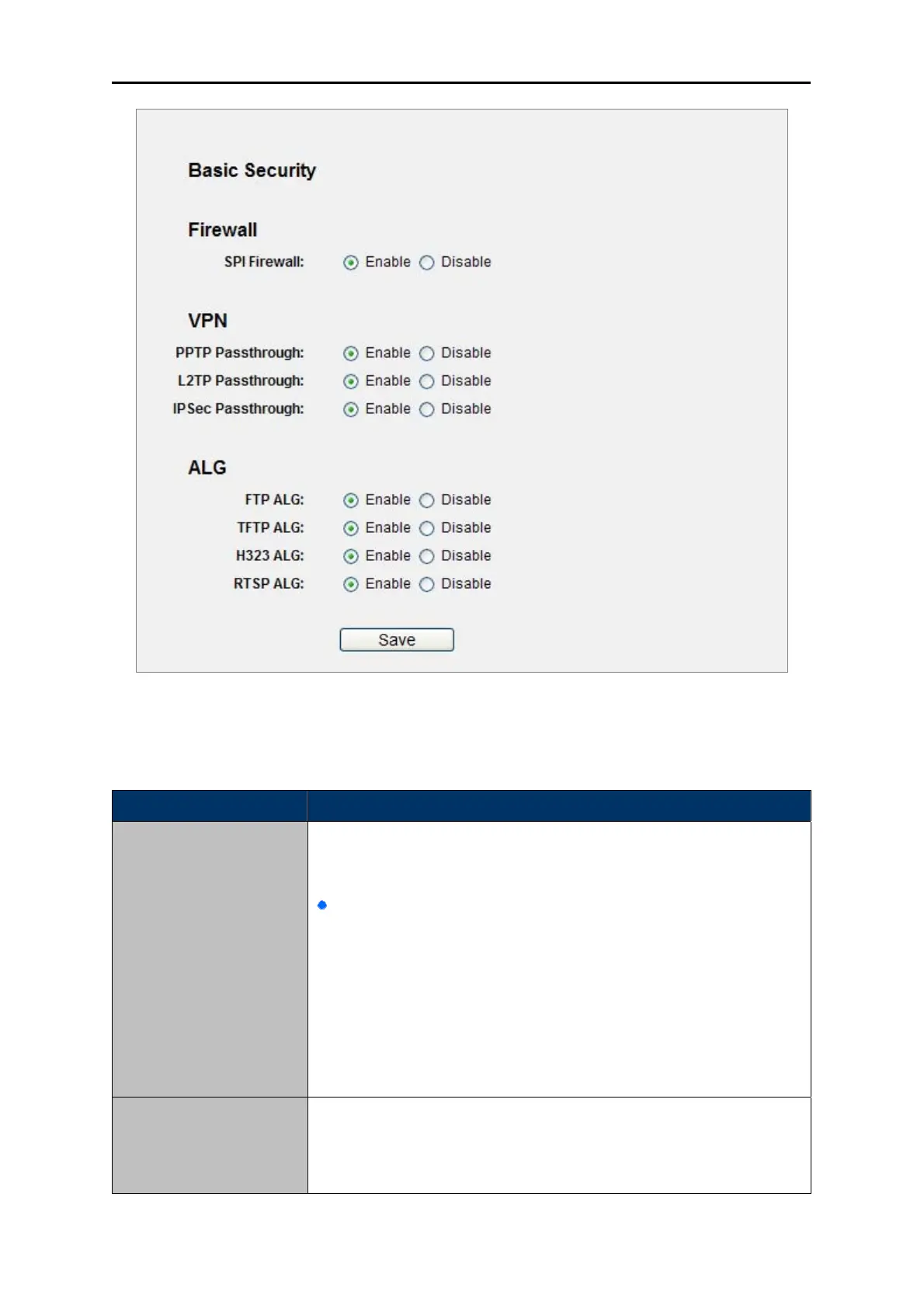
Figure 5-31 Basic Security
The page includes the following fields:
Object Description
Firewall
A firewall protects your network from the outside world. Here you can
enable or disable the Router’s firewall.
SPI Firewall - SPI (Stateful Packet Inspection, also known as
dynamic packet filtering) helps to prevent cyber attacks by
tracking more state per session. It validates that the traffic
passing through the session conforms to the protocol. SPI
Firewall is enabled by factory default. If you want all the
computers on the LAN exposed to the outside world, you can
disable it.
VPN
VPN Passthrough must be enabled if you want to allow VPN tunnels
using IPSec, PPTP, or L2TP protocols to pass through the Router’s
firewall.



 To Next Page