User’s Manual of WNRT-617
-86-
In Host field, select Host_1.
In Target field, select Target_1.
In Schedule field, select Schedule_1.
In Action field, select Allow.
In Status field, select Enable.
Click Save to complete the settings.
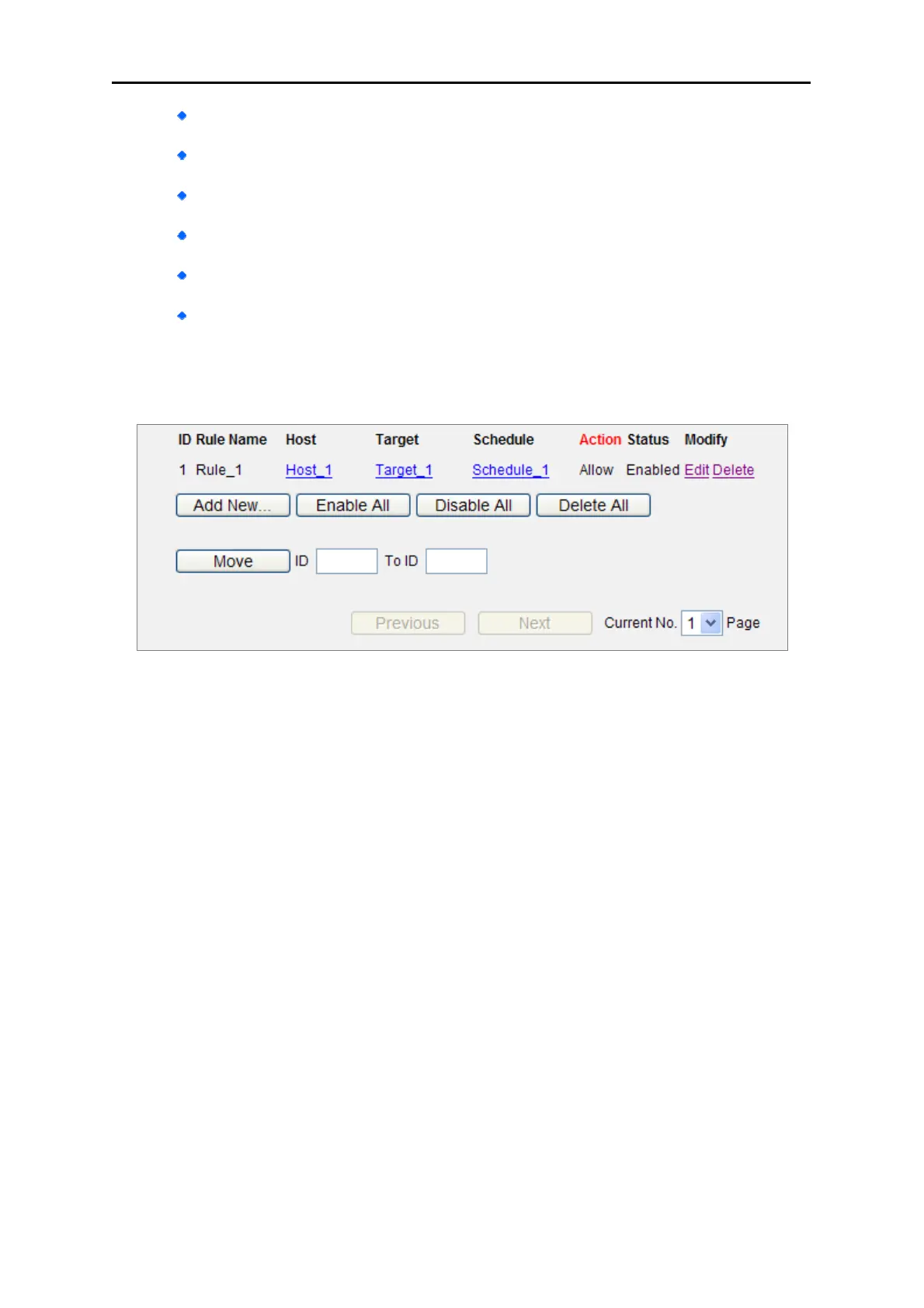
Then you will go back to the Access Control Rule Management page and see the following list.
Figure 5-53



 To Next Page