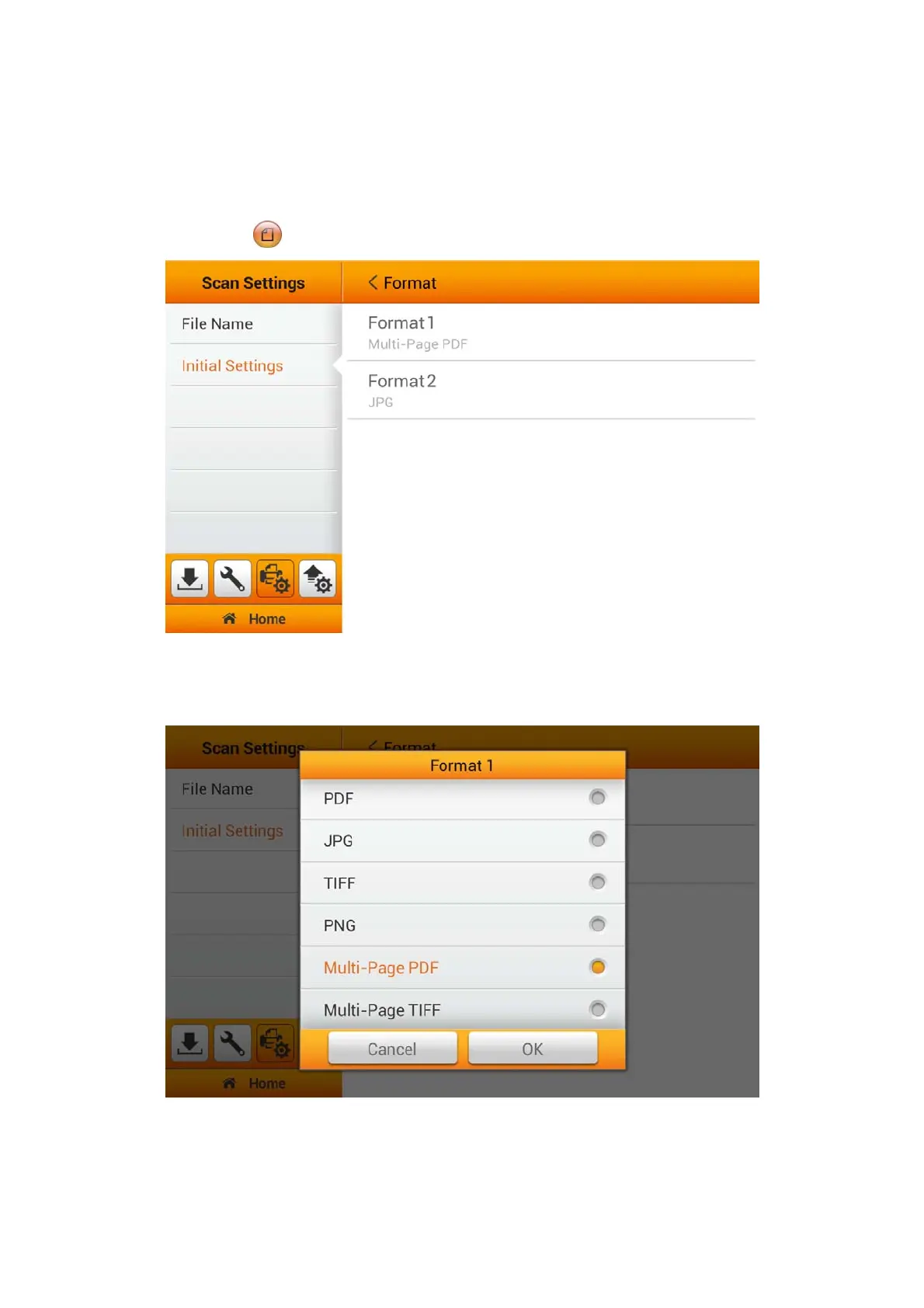
Format
You can set two formats for user to select as a shortcut key, from the Main Menu.
Users will have the option to select additional settings through the Advanced Settings.
(Please refer to the Advanced Settings section for more detail). The selected result
will apply to the
FORMAT button in the user scan interface (Main Menu).
Select the file saving format in the popup dialog. Available file formats: PDF, JPG,
TIFF, PNG, Multi-Page PDF and Multi-Page TIFF. Tap the OK button to confirm the
settings or tap Cancel to exit this dialog.
28















 To Next Page