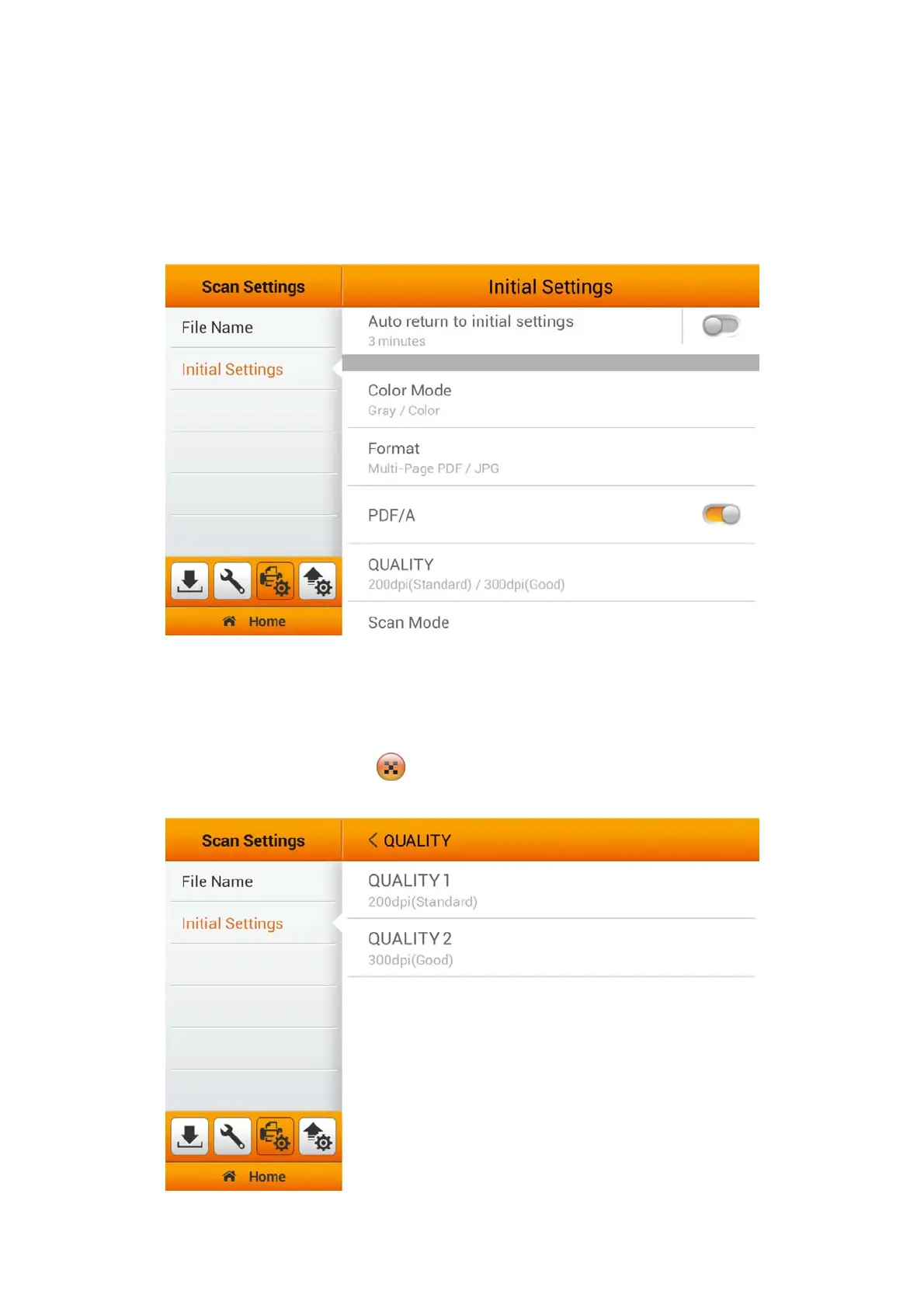
PDF/A
You can activate the PDF/A function to preserve the static visual appearance of
electronic documents over time, that are self-contained, self-describing, and more
device-independent. To ensure that the digital PDF documents remain readable,
renderable and accessible for long -term.
QUALITY
You can set two resolutions for user to select as a shortcut key, from the Main
Menu. Users will have the option to select additional settings through the Advanced
Settings. (Please refer to the Advanced Settings section for more detail). The
selected result will apply to the
QUALITY button in the user scan interface (Main
Menu).
29















 To Next Page