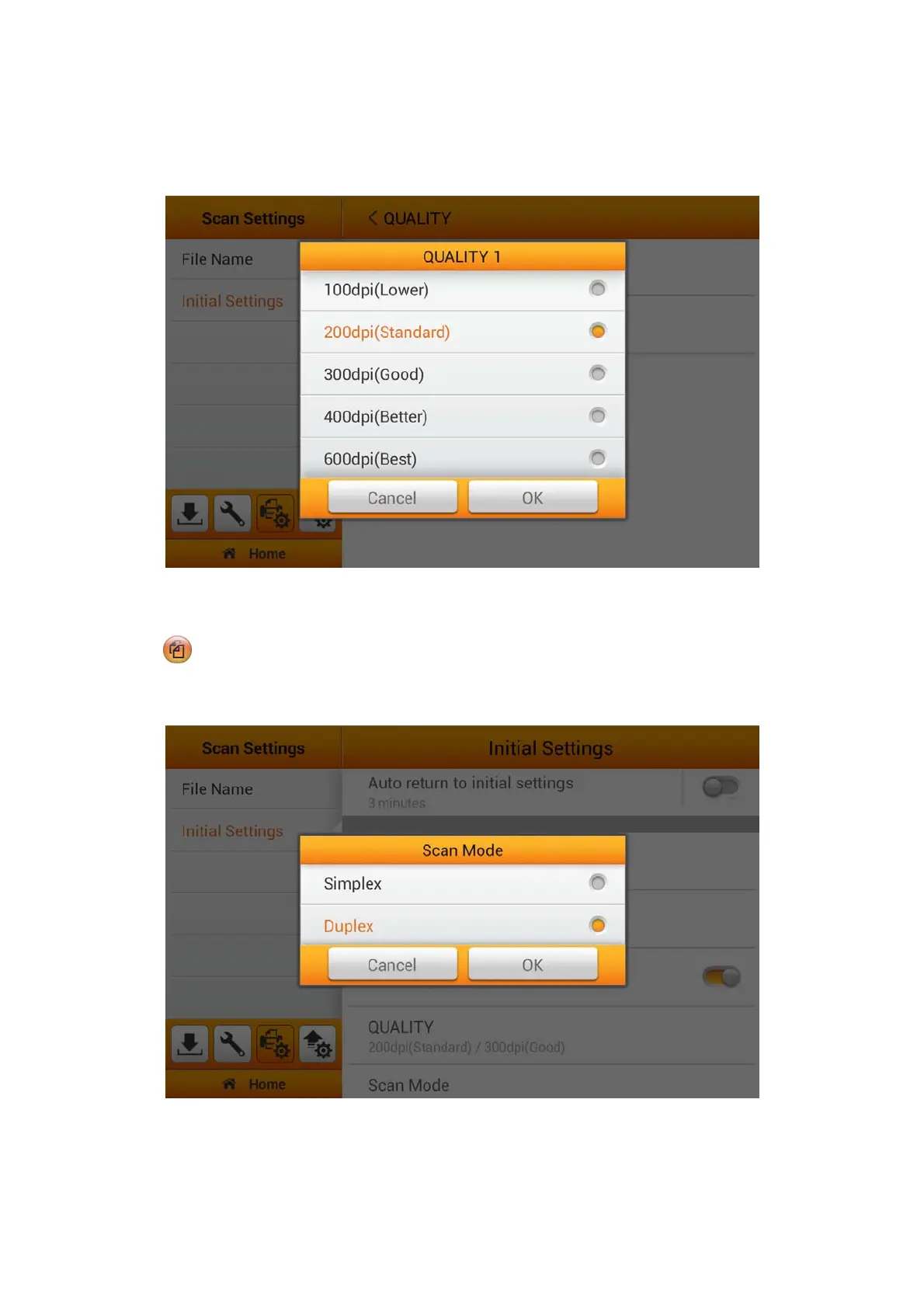
Select the desired QUALITY in the popup dialog. Available dpi values: 100dpi
(Lower), 200dpi (Standard), 300dpi (Good), 400dpi (Better), and 600dpi (Best). Tap
the OK button to confirm the settings or tap Cancel to exit this dialog.
Scan Mode
Select the desired Scan Mode in the popup dialog. The selected result will apply to
the SCAN MODE button in the user scan interface. Available scan modes:
Simplex and Duplex. Tap the OK button to confirm the settings or tap Cancel to exit
this dialog.
30















 To Next Page