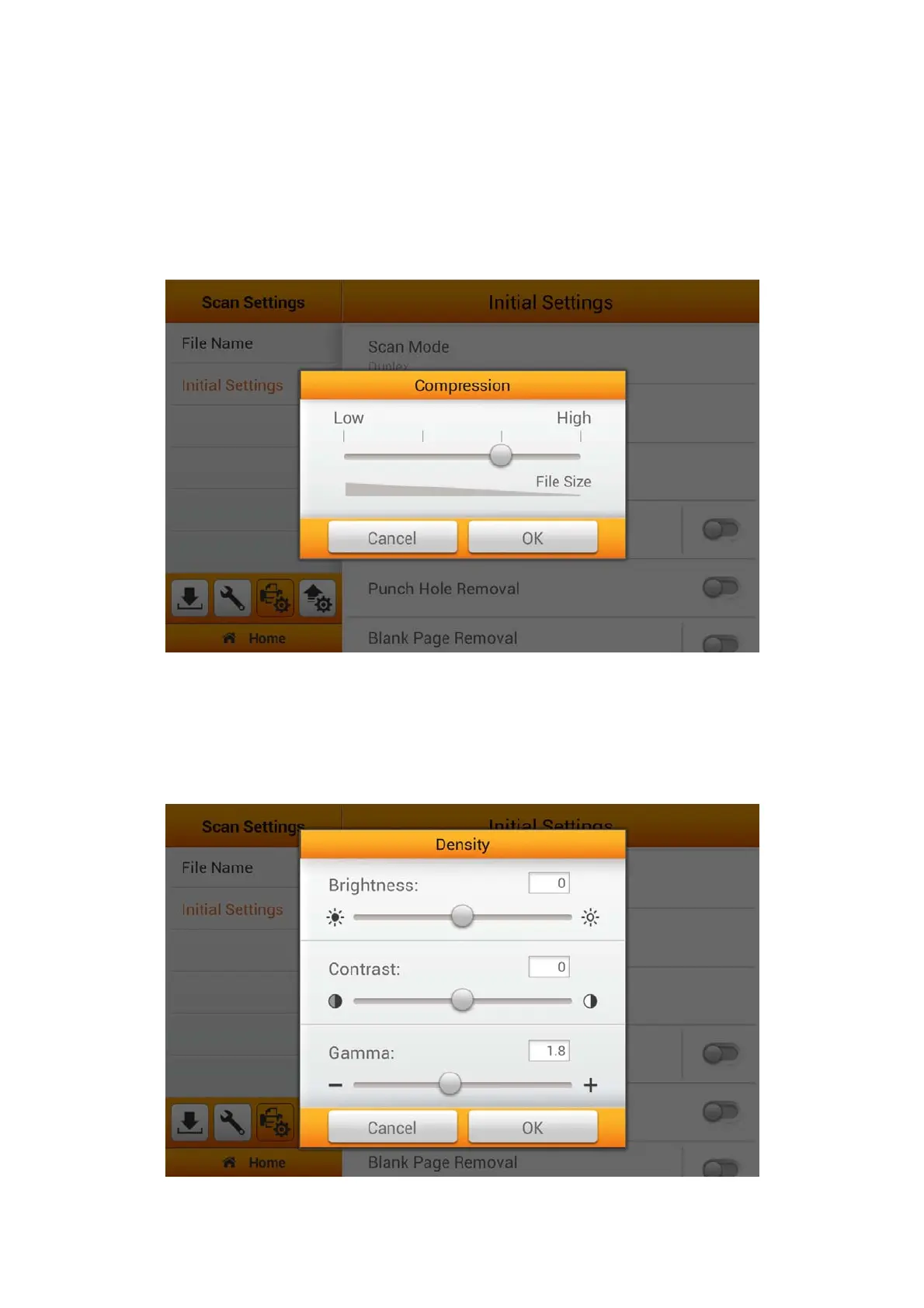
Compression
The lower the compression rate, the higher quality of the scan, resulting to a larger
file. Adjust the Compression quality in the popup dialog. Tap the OK button to confirm
the settings or tap Cancel to exit this dialog. You can also manage and adjust settings
under Advanced Settings from the Main Menu. Please refer to the Advanced
Settings section for more detail.
Density
Adjust the brightness, contrast and gamma levels of the image in the popup dialog
to improve the visual appearance of the scanned file. Tap the OK button to confirm the
settings or tap Cancel to exit this dialog. You will be able to make adjustment on the
Main Menu under Advanced Settings.
31















 To Next Page