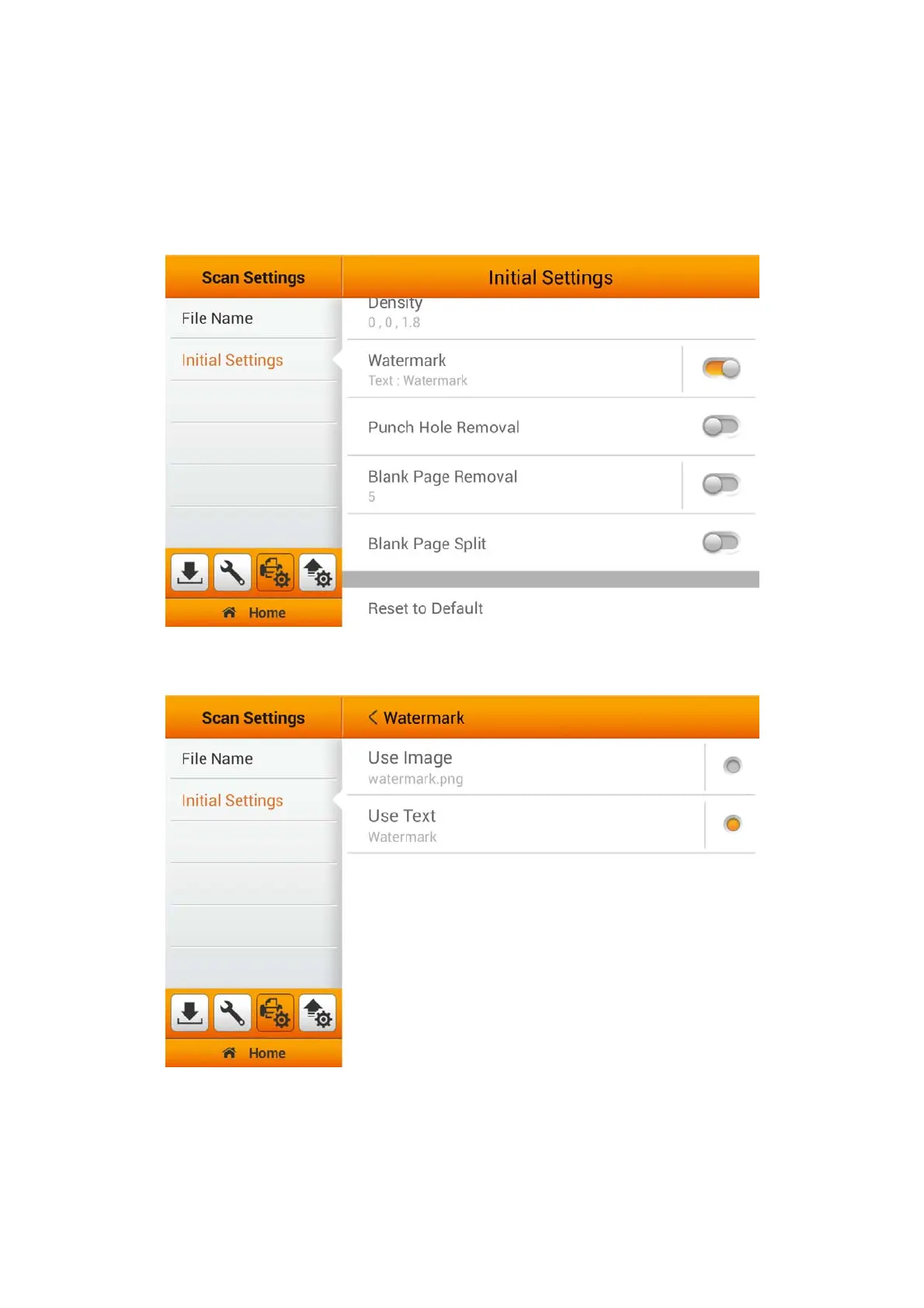
Watermark Settings
Enable Watermark under the Initial Settings will allow you to easily Reset to
Default under the Advanced Settings from the Main Menu. To Enable/Disable
Watermark, you must first set the relevant settings "HERE" and switch on the
Watermark function under the 'Advanced Settings' from the Main Menu.
Select 'image or text' to activate the Watermark function. Select the type of
watermark for your scanned images.
32















 To Next Page