Mail
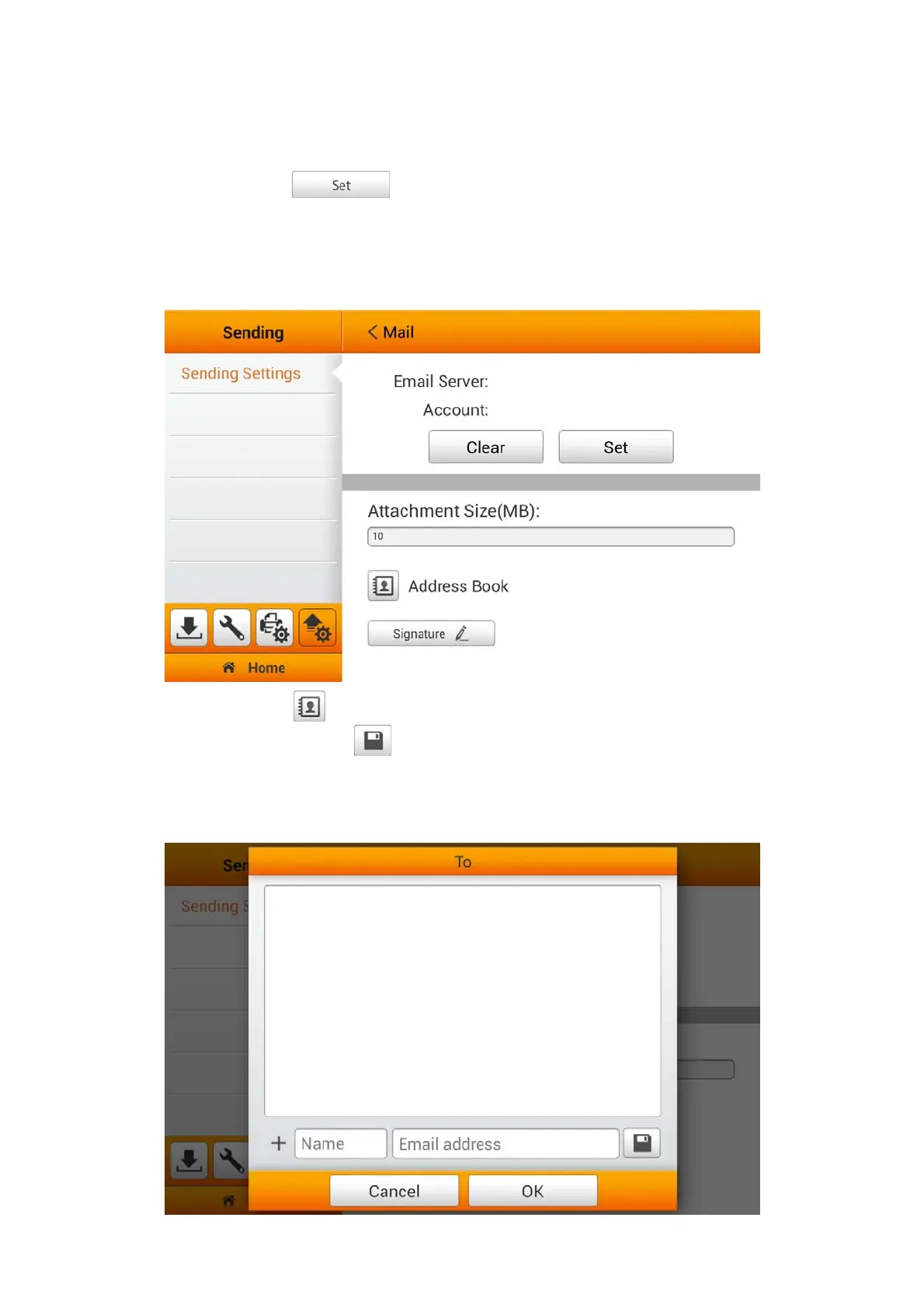
Switch on the Mail function to enable sending the scanned file to the desired e-mail
addresses. Tap the
button to set the mail server. Enter Server, Port,
Account, Password and select Authentication method, then tap the OK button to
test the mail server setting. If the connection is successful, the mail server information
will display on the top of the page. Enter the Attachment Size(MB) to complete the
settings.
You may tap the button to edit e-mail address book. Enter the Name and the
Email address, then tap the
button to save the e-mail address. You may save up
to 20 e-mail addresses in this address book. Note: You can also manage and edit the
Address Book from the Save to mail page during your normal scan from the Main
Menu.
42















 To Next Page