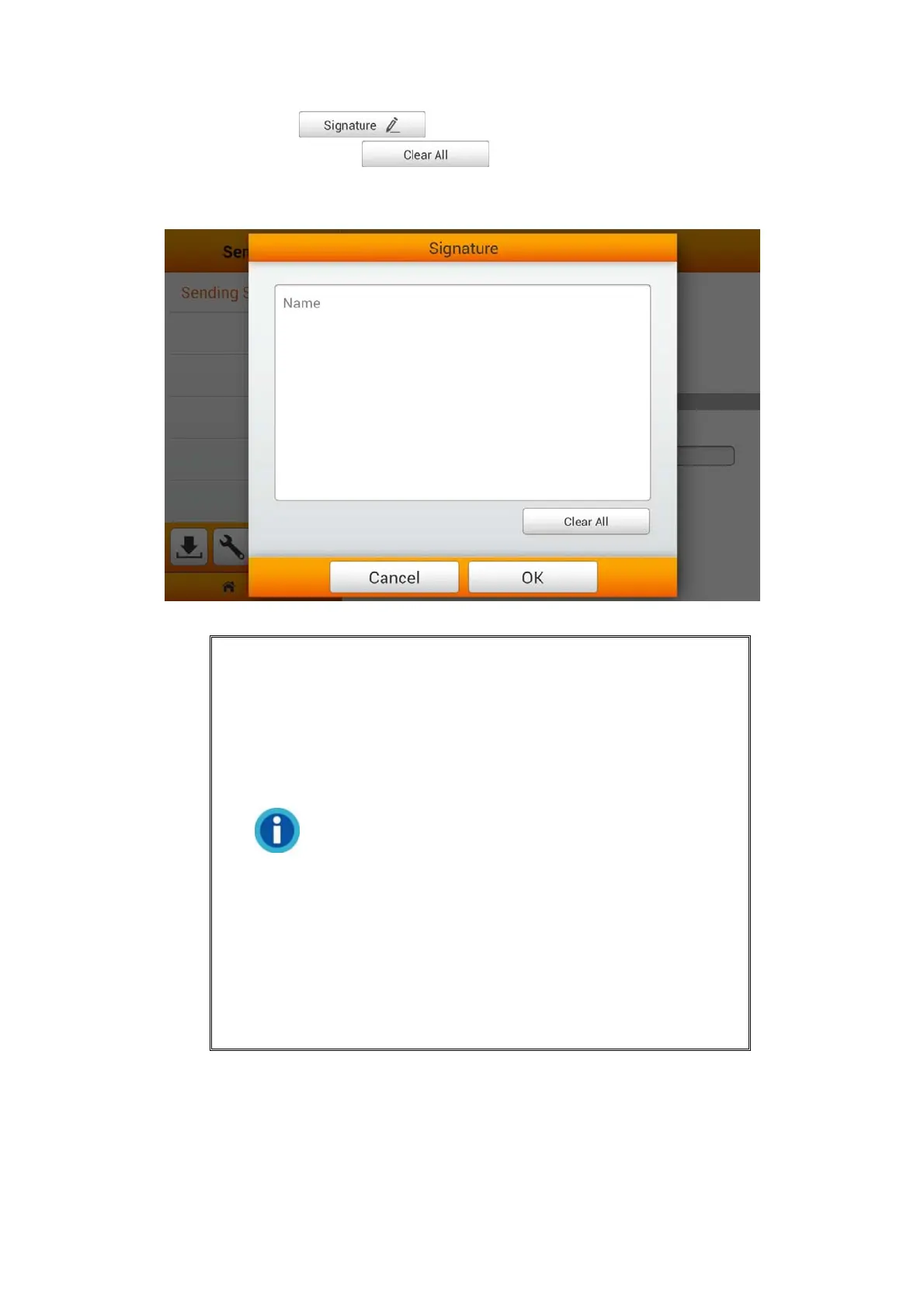
You may tap the button to edit the signature. Enter the desired
content in the blank. Tap the
button to clear all the texts. Note: You
can also manage and make adjustments to the Digital Signature from the Save to mail
page during your normal scan from the Main Menu.
Information
Please check your Outgoing Mail Server
information for these settings, here we take
iCloud and Gmail as the examples.
iCloud SMTP Mail Server Settings
• Server: smtp.mail.me.com
• Port: 587
• SMTP Authentication Required: Yes
If you receive errors when using SSL/TLS,
try using StartTLS instead.
• Account: Your full iCloud email address (for
example, emilyparker@icloud.com, not
emilyparker)
• Password: Your iCloud password
43















 To Next Page