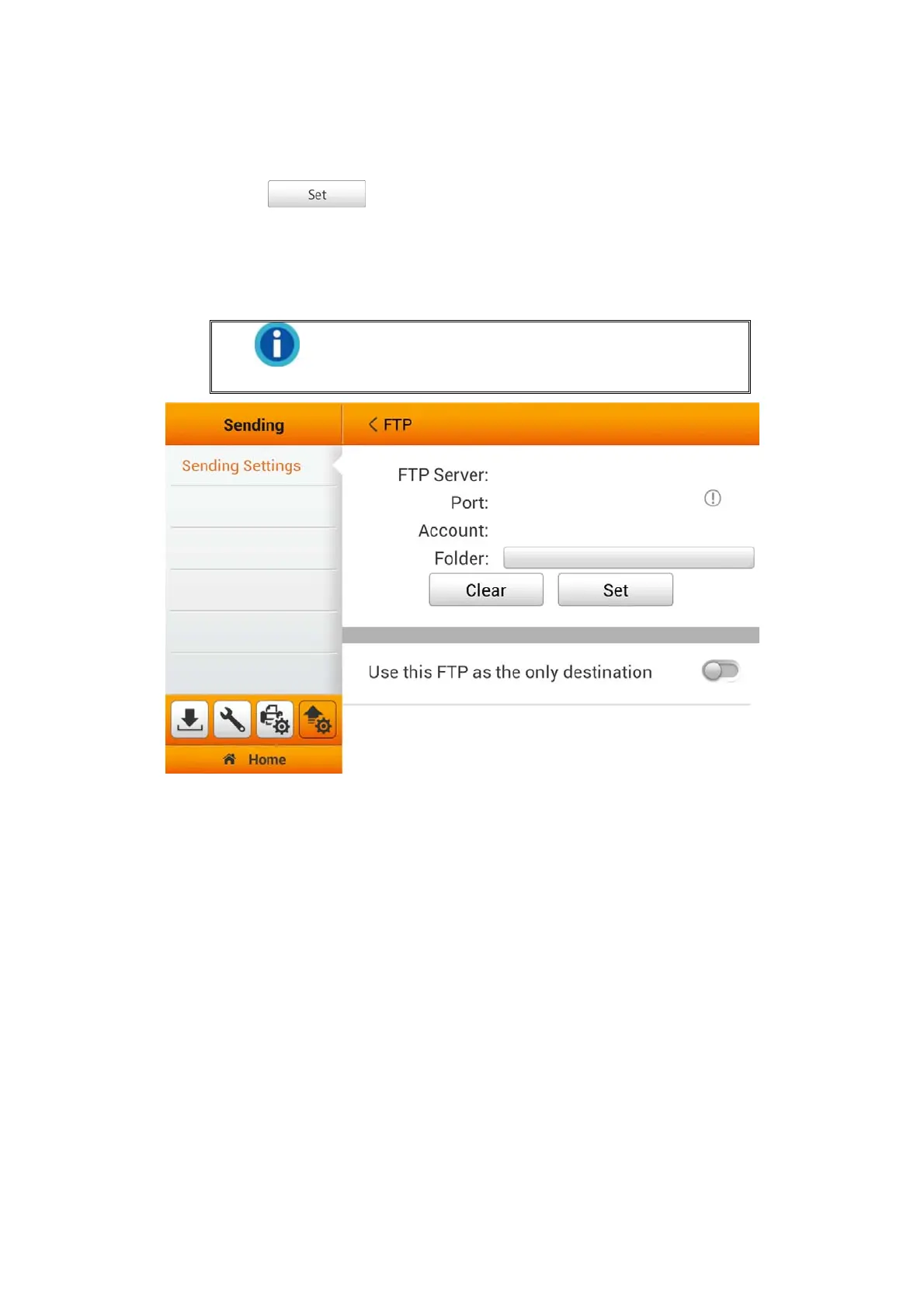
FTP
Switch on the FTP function to enable sending the scanned file to the desired FTP
server. Tap the
button to set the FTP server. Enter Server, Port,
Account and Password, then tap the OK button to test the FTP server setting. If the
connection is successful, the FTP server information will display on the top of the page.
Tap on the Folder field to select the desired saving folder. If the preset FTP server is
the only destination, you can activate Use this FTP as the only destination function.
Information
The default port number for FTP is 21, and the
default port number for SFTP is 22.
45















 To Next Page