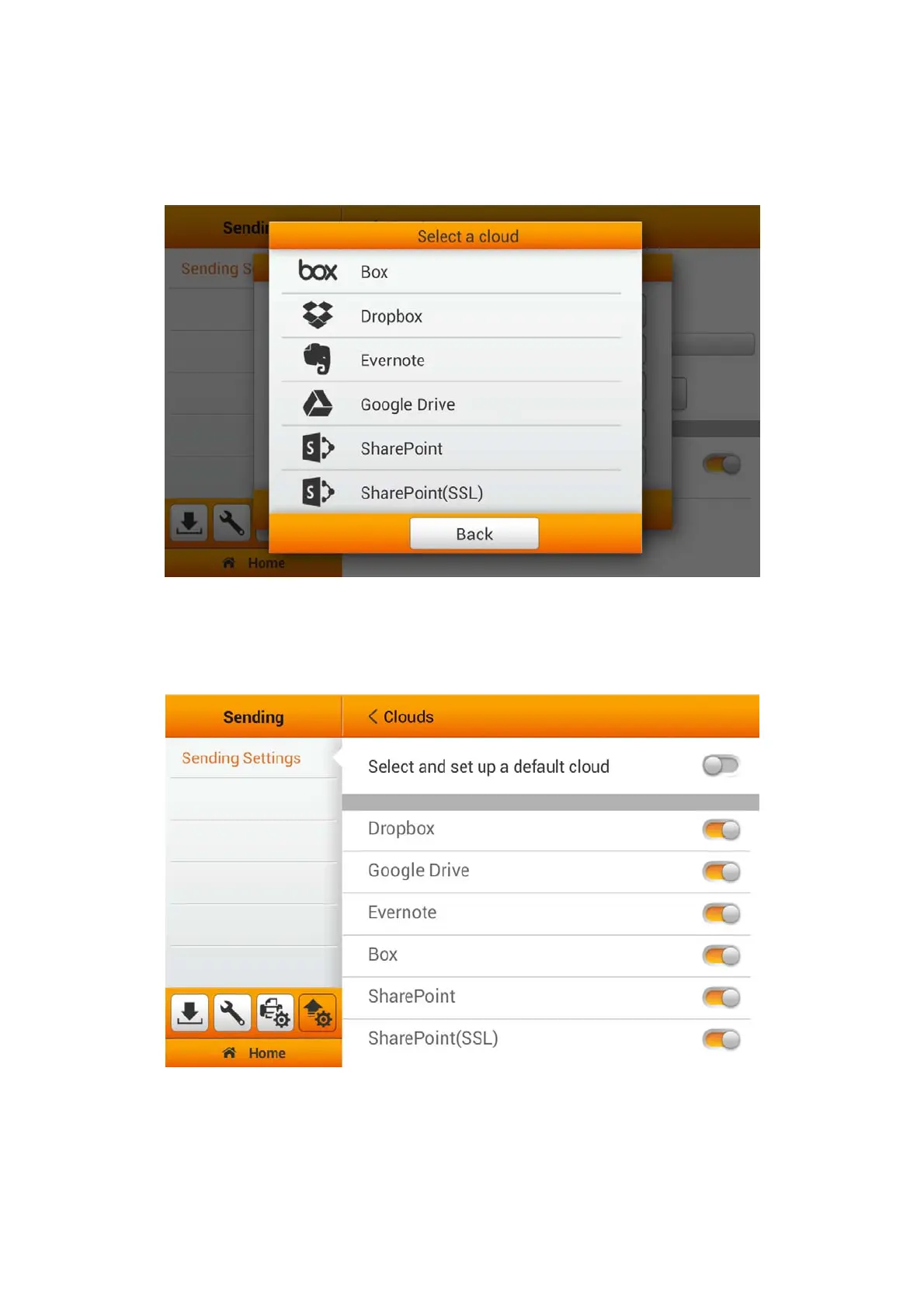
Clouds
Switch on the Clouds function to enable sending the scanned file to the desired
cloud server.
If you switch off the Select and set up a default cloud function, you can switch on
the desired cloud servers to enable the cloud server option in the user scan interface.
Available options: Dropbox, Google Drive, Evernote, Box, SharePoint and
SharePoint (SSL).
46















 To Next Page