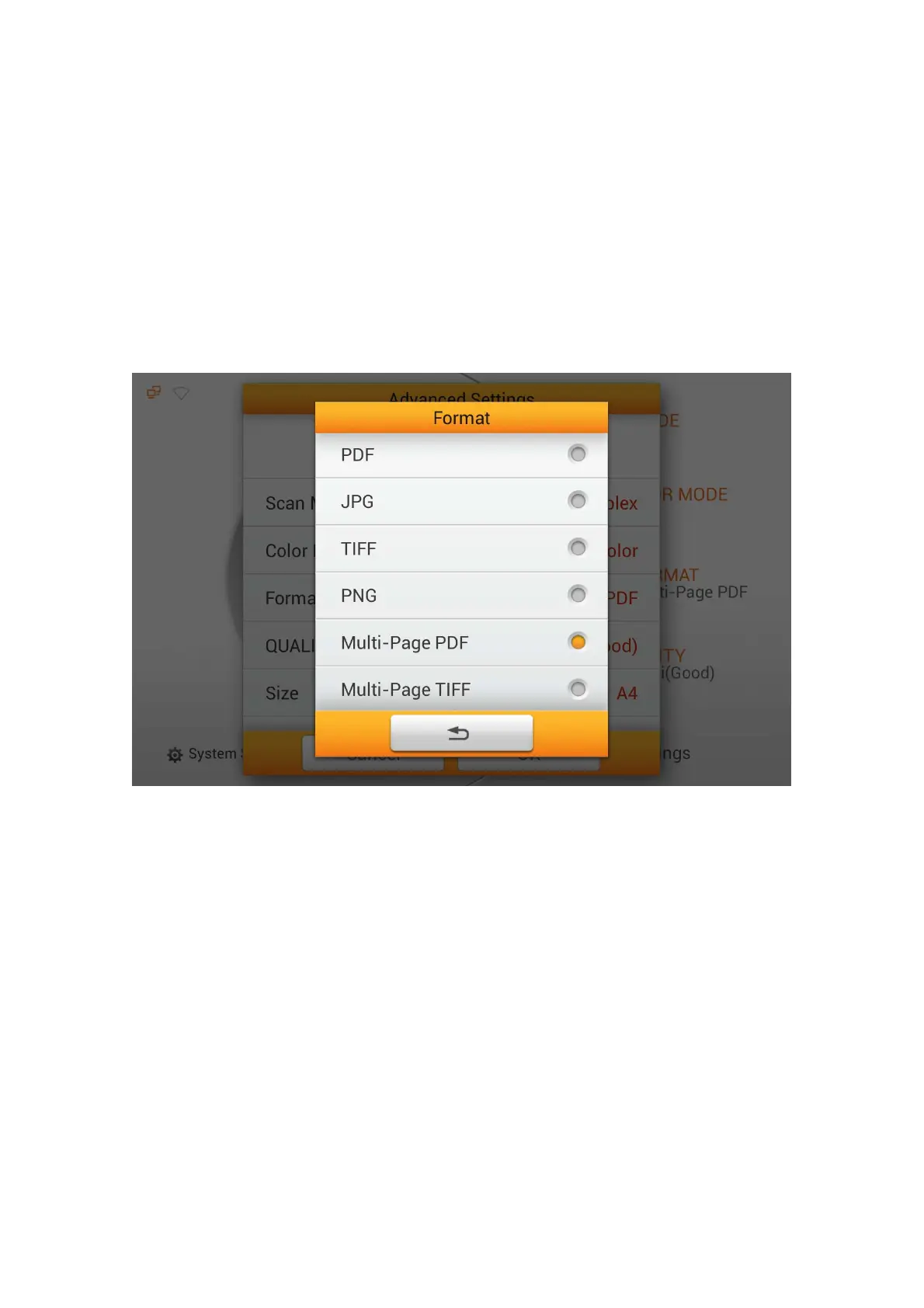
Format
Select the file saving format in the popup dialog. Available file formats: PDF, JPG,
TIFF, PNG, Multi-Page PDF and Multi-Page TIFF. If you are scanning multiple pages
of documents and would like to merge the scanned pages into one file, selecting Multi-
Page PDF or Multi-Page TIFF.
If PDF or Multi-Page PDF is selected, Adobe Reader is required to view the
scanned PDF created.
You may want to change Initial Settings, under System Settings -->Scan
Settings --> Initial Settings if this is a regularly used scanning feature.
68















 To Next Page